

Q:
How do I add a second character in Ragdoll Sandbox?
A:
Open Person again and select another figure while the counter shows space. The counter counts the people you add. It does not count the props placed around them.
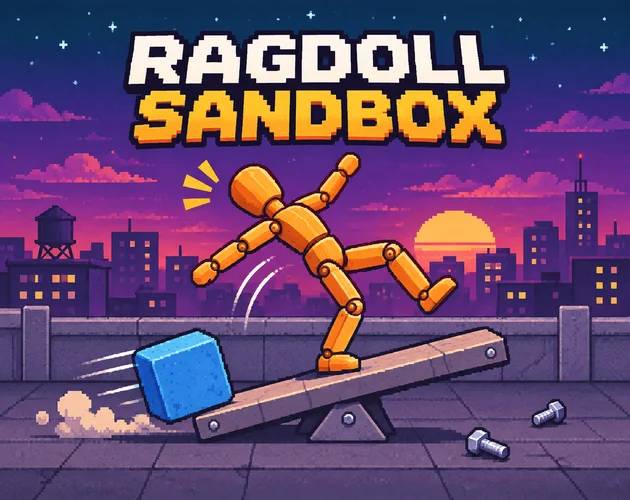
Set up a pixel-art scene and see how its characters and props react in this browser physics sandbox.
Share Ragdoll Sandbox
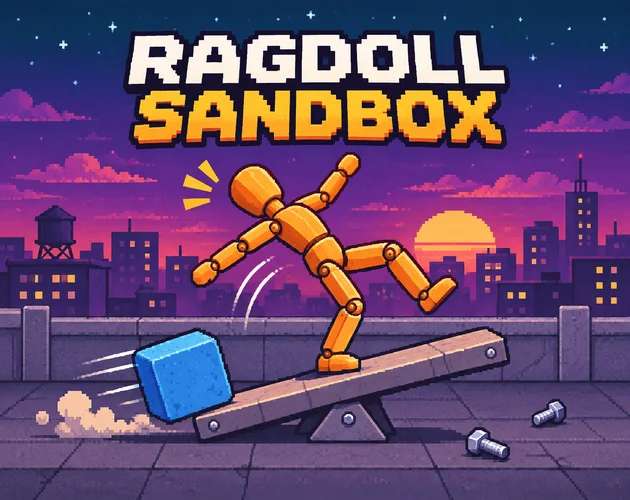






Ragdoll Sandbox is a side-view physics game where you choose the scene and decide what happens in it. The dusk rooftop gives you a clear stage for trying the controls. Add a dummy, pick a tool, then see how the jointed figure reacts as you move it. The main sandbox does not give you a score to chase. A session can be as small as moving one prop or as involved as building a set and watching what changes when you unpause. Each map gives the same toolbar a different place to work. Start on the rooftop if you want to learn the controls without also learning a new layout. Some tools produce graphic injury effects, so check the sandbox settings before experimenting if you prefer a milder scene.
Choose Play from the main menu. Open Person, pick a dummy from the list and check the counter in the toolbar. On a fresh rooftop, adding one character takes it from 0/6 to 1/6. Close the panel to leave more of the stage visible.
Open Tools and select Grab to move a figure or prop. Keep the first test simple enough that you can tell what moved and why. If you only wanted to test a placement, select Undo and check the stage before you try another one.
A row of props can be hard to untangle when everything moves at once. Start at one end of the stage and leave enough space to tell which piece starts the chain.
💡Try the speed control when a quick movement is difficult to follow. Leave the camera still for your first few runs so you can compare the same part of the stage.
Add one dummy and undo that addition before you start a larger setup.
💡Watch the Person counter to confirm the undo took effect before adding another character. Getting comfortable with a small setup makes it easier to spot which change caused a chain reaction later.
Open Person again and select another figure while the counter shows space. The counter counts the people you add. It does not count the props placed around them.
Use the speed control to slow the action. Pause when you need to look at the arrangement before anything else moves.
Yes. Close the Person panel and use Undo on the bottom bar. Check that the added figure disappears and the Person counter goes down.
The browser edition runs in the player on Spunky Game at spunky.games. Start from Play and keep the game window large enough to read the tool names, particularly if you plan to switch between Person and Build. Fullscreen gives the stage more room on a desktop monitor without changing the scene. If you prefer a browser game that trades sandbox tools for steering, Cloudlift and its flying challenges offer a change of pace. For the first visit, leave the browser at its usual zoom. If the toolbar does not fit comfortably, try switching the game to fullscreen before choosing a map.
The map picker lets you leave the rooftop and try another backdrop. Build mode provides a separate set of controls for arranging a scene. Its Logic page includes inputs such as buttons and pressure plates, alongside outputs like lamps. If you like building around moving parts, Sluicewright's canal controls give you a different kind of system to learn.
Pause is useful while you arrange a crowded stage. The speed control changes how quickly the simulation runs. Free Cam gives you room to inspect the far side of a setup.
Place two figures with a little space between them, make one change, and give the scene time to settle. Moving the same piece a second time can produce a different result if the other objects are already in motion. That makes the game a good fit for players who like testing a hunch. The movement puzzles in Ballast Run might also appeal if you want a game where the way things move matters and you have a specific goal to work toward.