
Q:
How do I move?
A:
Use A and D for left and right movement, and press J to jump. Click the play area first if the keyboard is not responding.

Play Time Freeze in your browser.
Share Time Freeze





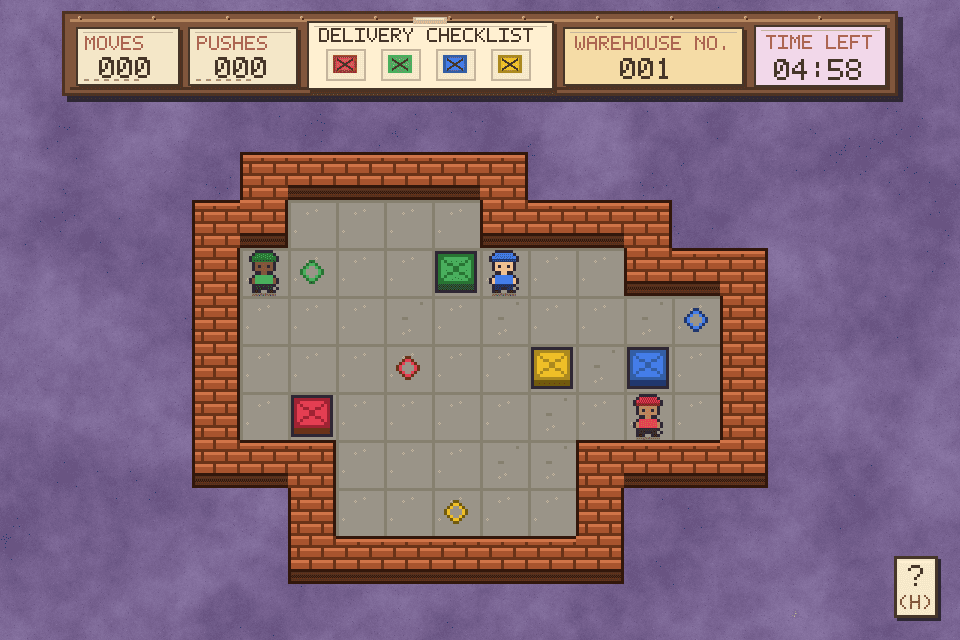




Time Freeze is a compact platform puzzle about movement, timing and one unusual power. You guide a small character across three stages filled with gaps, moving hazards and time doors. Slow the action to find a safer opening, then line up the next jump. Each room asks you to study its route before committing. Progress comes from noticing obstacle patterns and making a better decision on the next attempt. For a different timing puzzle afterward, try Prism Loom’s glass-block puzzles.
Use A and D to move, then press J to jump between platforms. Let a hazard complete one cycle before you commit, mark the platform where you want to land and keep enough space to correct your direction.
Press K to slow the action around a hazard or time door. Use it for the section that actually needs extra time, then return to ordinary movement so the next jump does not feel delayed.
Press R to restart the current stage after a failed route. Q returns to the main menu and ESC exits from that menu. Click inside the game before typing if another browser control still has focus.
Choose the platform you want before pressing K. A clear destination keeps the slowed section from becoming a guess.
💡After a miss, change one decision at a time so you know whether the route or the timing caused it.
Watch the hazard at normal speed and notice the point where it blocks the path.
💡Use slow time to create an opening, not as a permanent speed setting for the whole room.
The game opens directly in the browser, so you can begin without an installer or a separate launcher. Click inside the play area before using the keyboard. If the frame is small, fullscreen can make platform edges and moving hazards easier to read. Keep the short control list beside the game until A, D, J and K become familiar. Try a different arcade challenge with Pearlbound on Spunky Game at spunky.games.
Use A and D for left and right movement, and press J to jump. Click the play area first if the keyboard is not responding.
Use K when slowing a hazard or time door creates a safer opening. Watch the route before choosing the moment to use it.
There are three compact stages built around platform movement and time control. Replaying a room helps you learn its obstacle timing.
R restarts the current stage. Try a different takeoff position or timing after a failed jump instead of repeating the same input.
Q returns to the main menu, while ESC exits from that menu. Keep the game focused when using these shortcuts.
It is a short three-stage challenge. The focus is on careful observation, precise movement and quick retries rather than a large progression system.
Slowing the world changes when a hazard reaches you and how much room a jump gives you. The important choice is the moment you activate the power.
Three compact stages keep the challenge focused. Each is short enough to retry while you learn a route, so a missed jump can teach you something useful.
A, D and J handle movement and jumping. K controls time, while R, Q and ESC cover restart and menu actions, so the complete control set stays small.
The clean presentation keeps attention on gaps, timing and safe landings. It suits a short session when you want a puzzle with quick feedback rather than a large campaign. Find more compact challenges in the Ballast Run’s balancing challenges.
The game gives you a clear feedback loop: observe the obstacle, try the crossing, then adjust the timing. Improvement feels concrete because the room stays readable.
A failed jump does not erase a large build or send you through a long menu. Restart the room, keep the useful information and test a new route.
The rule is easy to explain, but each room asks a different timing question. That makes the game approachable for a first attempt and satisfying to replay.