Oharai Ghost Cleaning: A Night Shift with Ghost Vacuums
A company phone, a robot vacuum, and a night shift that definitely wasn't in the job description.
Share Oharai Ghost Cleaning / 霊清掃会社オハライ
More games
New Games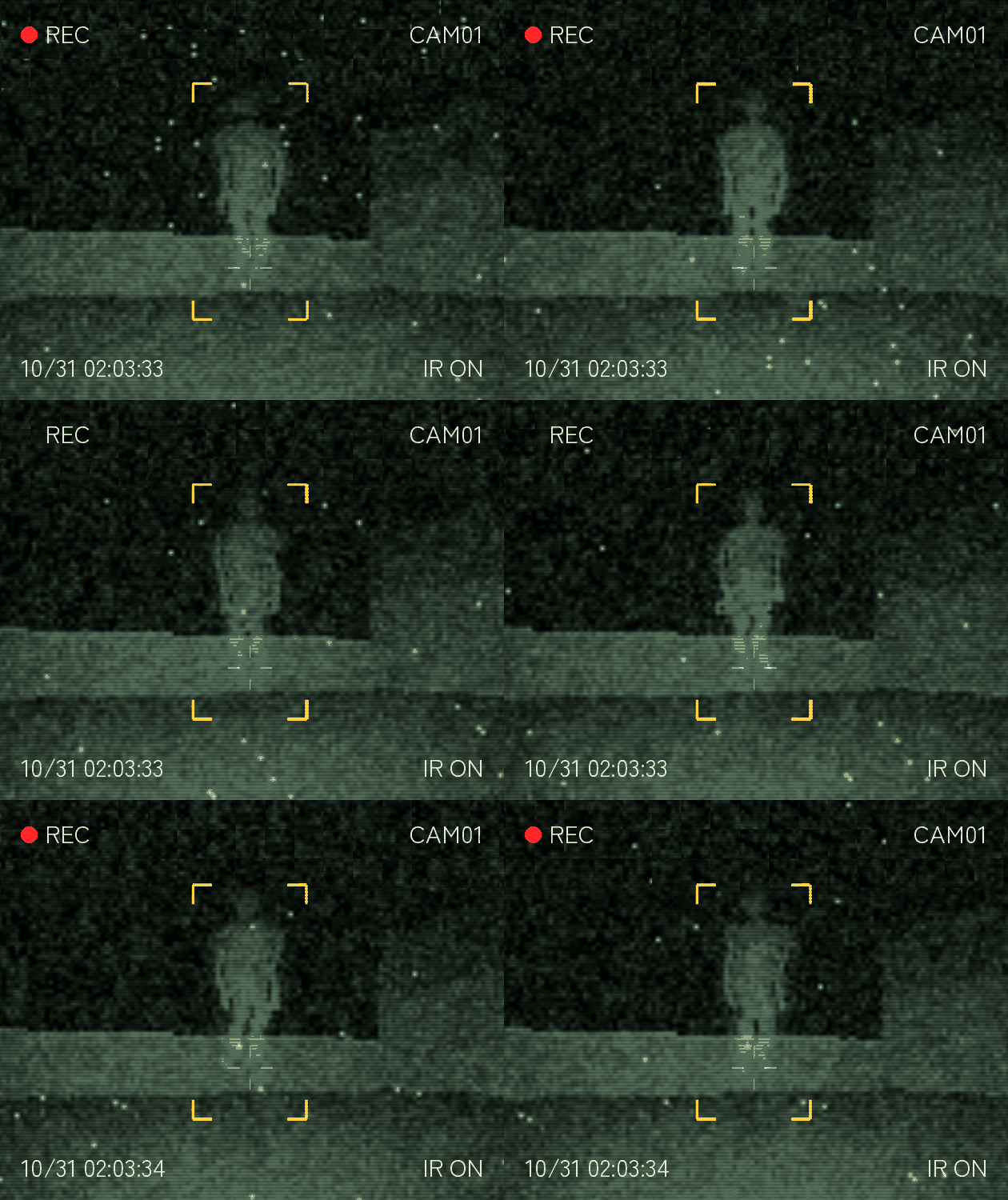


Related games

Sprunki Maker

2048

Sprunki Satellite Catcher
After Send — When Work Keeps You Awake

Sprunki but Bob
TurboVektor

Sprunki Stroonckee

Wick

ParaSprunki 14

Sprunki Sinner Edition Jevin Likes Tunner
What is Oharai Ghost Cleaning?
Oharai Ghost Cleaning is a creepy simulation by Otherdoor Works where your new night job involves remotely operating a robot vacuum in clients' empty homes. Its night-vision camera reveals things human eyes can't see, leaving you to distinguish spirits from ordinary objects and decide what gets vacuumed. Five training days, four houses—apparently even ghost cleaning comes with onboarding.
How to play Oharai Ghost Cleaning
1. Work the company phone
Use your mouse or touch to tap and swipe like a phone. The whole game takes place inside this fictional smartphone, including its job site, mail, chat, and remote-control app.
2. Check what the camera sees
Remotely operate the robot vacuum inside clients' homes at night. Use its night-vision view to judge whether you're looking at a spirit or an ordinary object, then decide what to vacuum.
3. Open quick settings
Swipe down from the top of the screen or press Q to open quick settings. The power-off option returns you to the title screen.
4. Resume your shift
Progress saves automatically. Choose Continue on the title screen to pick up where you left off.
Handy shift notes
Clock in through your browser
Play Oharai Ghost Cleaning directly in your browser, with no installation needed. PC is recommended, but phones and tablets are supported too; just expect a small display on iPhone.
Before you clock in
Q:How do you control Oharai Ghost Cleaning?
Use mouse or touch to tap and swipe through the fictional phone. Swipe down from the top or press Q for quick settings, where powering off returns you to the title.
Q:What is your job?
You remotely operate a robot vacuum in clients' homes while they're away at night. Judge whether the camera is showing a spirit or an ordinary object and decide what gets vacuumed.
Q:Can I play on a phone or tablet?
Yes, the game supports browsers on PC, phones, and tablets, though the developer recommends PC. The display will be small on iPhone.
Q:Does the game save progress?
Progress is saved automatically. Select Continue on the title screen to resume.
Q:Can I stream it or make a video?
Let's plays and streams are welcome, including monetized videos. Include the game title in your video.
What's on the company phone?
A whole game inside a phone
The job listing, mail, chat, and robot-control app all live on a fictional smartphone screen. Your work phone really is your entire workspace.
Night vision and strange returns
The robot comes equipped with a night-vision camera and sensors. It doesn't always come back quite the way it left, which is not a comforting equipment policy.
Five days, four houses
Your training runs for five days across four houses. Some spirit-or-object calls are harder than they first look.
English and Japanese
Both English and Japanese are available. Switch languages on the title screen.
Why take this suspicious night job?
Horror through a work phone
Emails, chats, and a remote-control app frame the entire game. No separate view outside the phone—just you and the company-issued screen.
You make the vacuum call
Spotting something strange isn't the whole job. Deciding whether it's a spirit or an ordinary object puts the judgment in your hands.