Q:
Can I start mixing while Cutscene is locked?
A:
Yes. Use Play at the top of the title screen. The lock on Cutscene does not prevent you from opening the mixer.
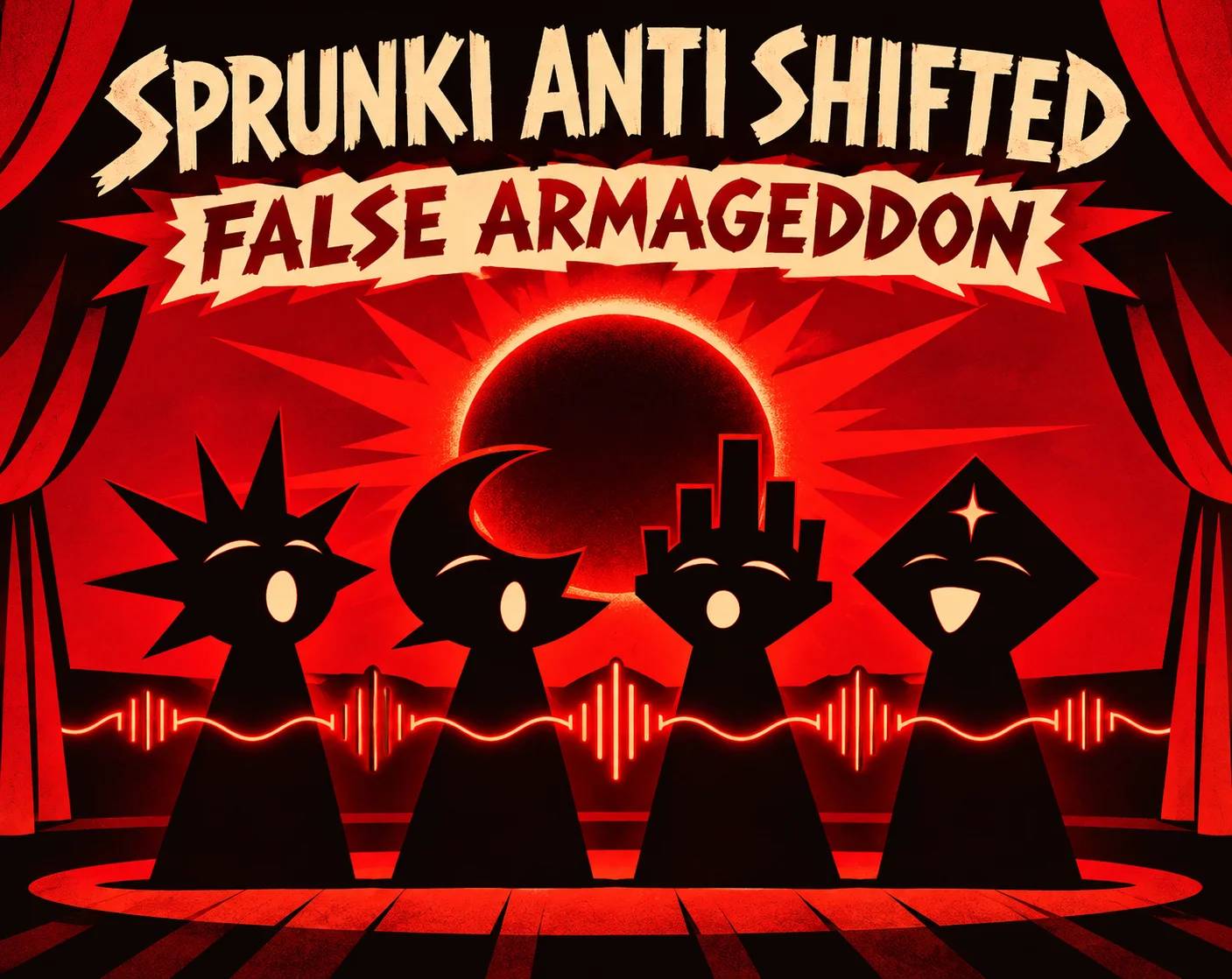
Drag sound icons onto the shadow performers and build a mix on the red stage.
Share Sprunki Anti Shifted: False Armageddon
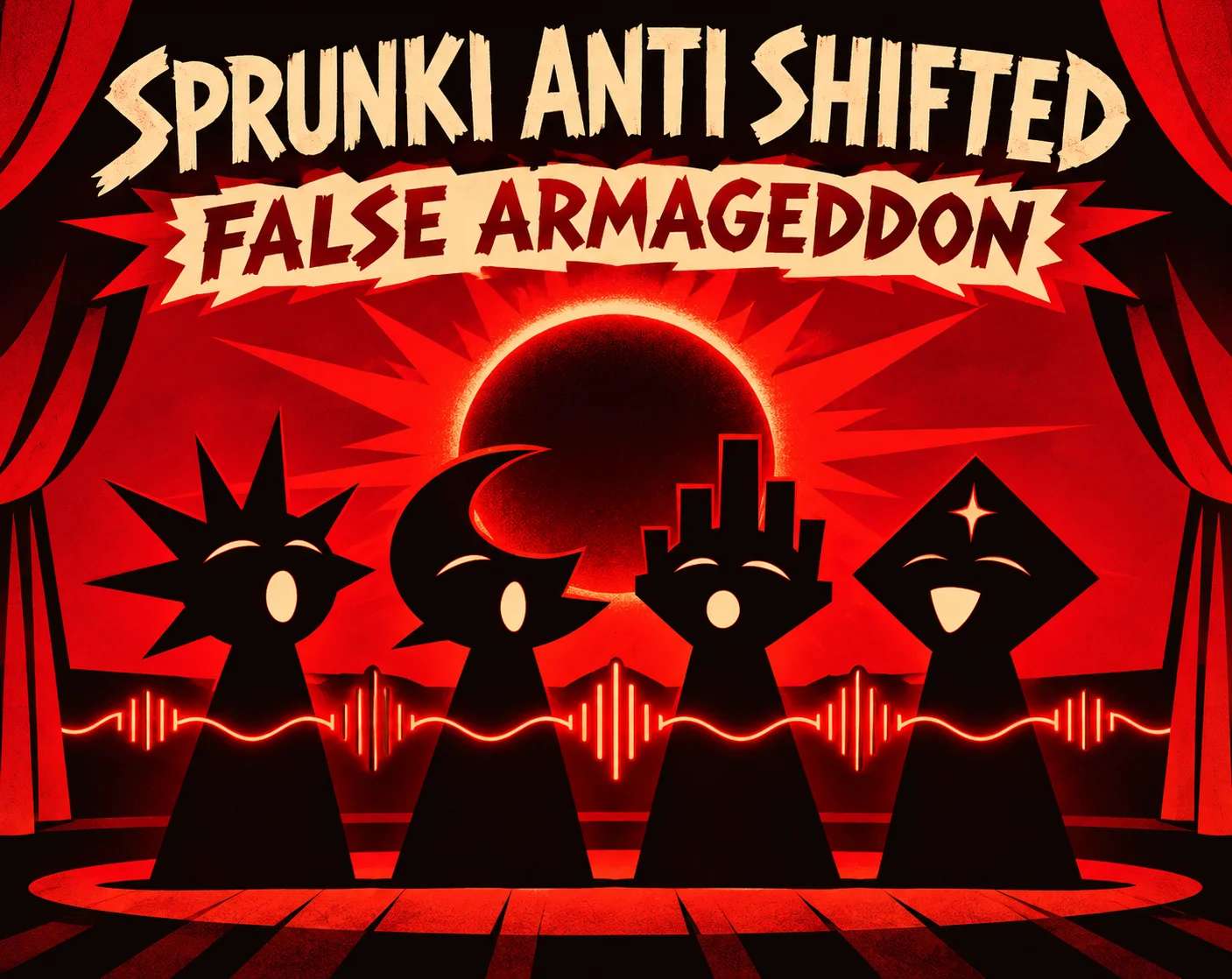




Sprunki Anti Shifted: False Armageddon is a horror themed music mixer set on a red stage. The silhouettes across the middle are empty performer slots. Drag a sound icon onto one and a new character takes its place, with an animation that repeats as the mix plays. The title screen labels this version as a beta and gives the mixer its own Play button. The stage itself lets you choose the cast instead of following a fixed sequence. For another take on arranging a group of singers, try Monster Choir after you finish your mix.
Open the player, let it load, then choose Play on the red title screen. At the bottom of the stage, pick an icon and hold the mouse button as you move it up to an empty silhouette. Release it over the performer. Watch for the icon to leave the tray and the silhouette to change. Give the character time to appear before dragging the same icon again.
Choose a different icon and drop it on the next free silhouette. Let both characters run together, then try a third only when you know what you want to add. Leave a slot open so you can audition the next icon.
The mixer puts nine performer slots above three staggered rows of sound icons. A slot may still look like a shadow just after a drop, while the chosen character is coming in. Once the character appears, its animation makes it easier to tell which parts of your lineup are active.
Some animations reach beyond the performer that started them. One of the gear shaped icons brings on a mechanical character with a broad, pale sweep across the stage. Try that icon beside a character with smaller movements to see the difference.
Yes. Use Play at the top of the title screen. The lock on Cutscene does not prevent you from opening the mixer.
A performer can take a moment to appear after a successful drop. Look for the icon to disappear from its original place in the tray.
Look near the left side of the top row for a gold gear shaped icon. Drag it onto a free silhouette to bring that performer onto the stage.
You can open Sprunki Anti Shifted: False Armageddon in your browser on Spunky Game at spunky.games. Give the player time to reach the red game menu, especially on the first visit. The large Play button inside that menu takes you to the mixer. A mouse makes it easy to aim at an empty slot when the silhouettes look alike. If the tray is clipped, use the player’s fullscreen control and return to the bottom row. If you want another browser music game afterward, try placing pairs of instruments in Resonant Atlas.
The fun of False Armageddon is finding how a small cast fits together before the stage gets crowded. Keep one character in place as a reference and try a different neighbor beside it. A busier mix can make the stage feel more chaotic, while a pair leaves room to follow each performance. If you prefer a rhythm game with short keyboard challenges, Emberbeat gives you a different kind of music challenge.
Start with a sound icon near the left of the tray and put it in the first slot. Then work through a few icons in the next slot while keeping the first performer in place. That makes it easier to tell which character is changing the texture.
💡Watch each new performer through a complete animation before making another change. If several wide effects overlap, leave gaps in the lineup so you can see where each motion starts. The gear icon is a good test of how much screen space one performer can take up.