







Wickdeep: Keep Your Torch Lit and Your Spending in Check
Your torch is your wallet and your health bar. Shopping just got a little scarier.
Share Wickdeep
More games


Related games

Sprunki Resurged

2048

Sprunki Space Challenge

Baseball Bros Unblocked

Wheelchair Revenge

Sprunki But SchoolHouse Trouble

Getting Over It Unblocked

CHRIS: Beneath the Mountain

Sprunki Infected X v0.5

Kuromi Maker
A Very Expensive Little Flame
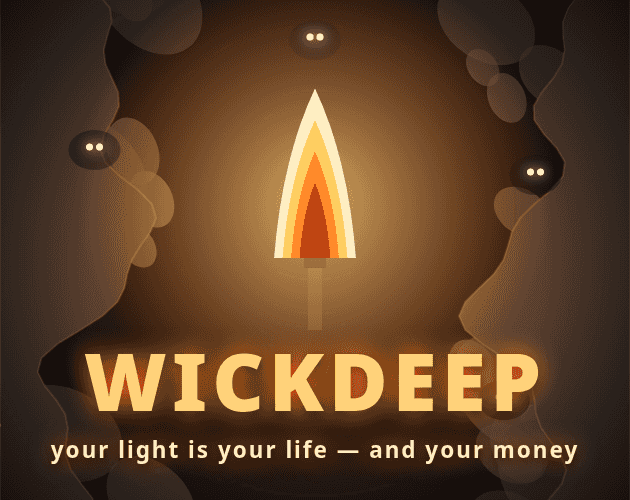
Wickdeep is a dark idle clicker about carrying a torch deeper into a cave, where every spark counts as both health and currency. Richer embers wait below, but the cold eats your flame—and buying upgrades takes a bite out of it too.
Keep That Torch Going
Tap to Fan the Flame
Tap to fan your torch's flame. That glow is both your health and the light you spend.
Head Deeper
Descend for richer embers as the cold eats away at your flame. The depths include The Mouth, Drip Caves, The Hollows, and The Frostroot.
Spend Some of Your Glow
Buy Wick, Oil, Hood, Ward, and Stride upgrades with light. Every purchase dims your torch a little.
Scare Off Those Eyes
Eyes gather at the edge of your glow. Tap them to scare them off.
Rekindle and Start Again
Rekindle to start over with Cinders. They make every flame burn brighter.
Small Reminders for the Descent
Your Budget Is Your Health
Upgrades cost light, and light is also your health. Every purchase leaves your torch a little dimmer.
💡Check your flame before spending on an upgrade.
Watch the Edge of the Glow
Those gathering eyes aren't just scenery: tapping them scares them off.
💡Tap eyes when they gather around your light.
What's Down in the Dark?
Health and Cash Share a Flame
Light keeps you alive and pays for upgrades. Even a shopping trip dims your surroundings.
Richer Embers, Colder Depths
Deeper embers are richer, but the cold eats your flame. There's a question hanging over the descent, too: the Cinder Core?
Idle-Friendly Smouldering
Your torch smoulders while you're away, and the game auto-saves.
Calm Mode
Calm mode removes flicker if you'd rather keep the glow steady.
One-Thumb Browser Play
Wickdeep plays in a browser on phone and desktop, with one-button controls.
A Few Things Before You Descend
Can I play Wickdeep on my phone?
Yes. It runs in the browser on phone and desktop, and it's made for one-thumb play.
Does Wickdeep save my progress?
Yes, it auto-saves. Your torch also smoulders while you're away.
What does rekindling do?
Rekindling starts you over with Cinders that make every flame burn brighter.
Can I turn off the flicker?
Yes. Calm mode offers a no-flicker option.
Was AI used to make Wickdeep?
Yes. An AI coding assistant generated the design, code, balancing, and procedural graphics under Enoch's direction; audio uses procedural Web Audio and a soundtrack by an AI music agent.
No Install, Just a Torch
Play Wickdeep straight in your browser on phone or desktop, with no installation needed. One-thumb controls keep the tapping simple; keeping that flame funded is another matter.
Why Carry This Particular Torch?
Spending Has a Visible Cost
Every upgrade dims the same flame that's keeping you alive. Your wallet really does look worse after shopping.
Room for Time Away
Idle-friendly smouldering and auto-saves let your torch keep going while you're away.
A Brighter Restart
Rekindling brings Cinders into your next start, making every flame burn brighter.