Q:
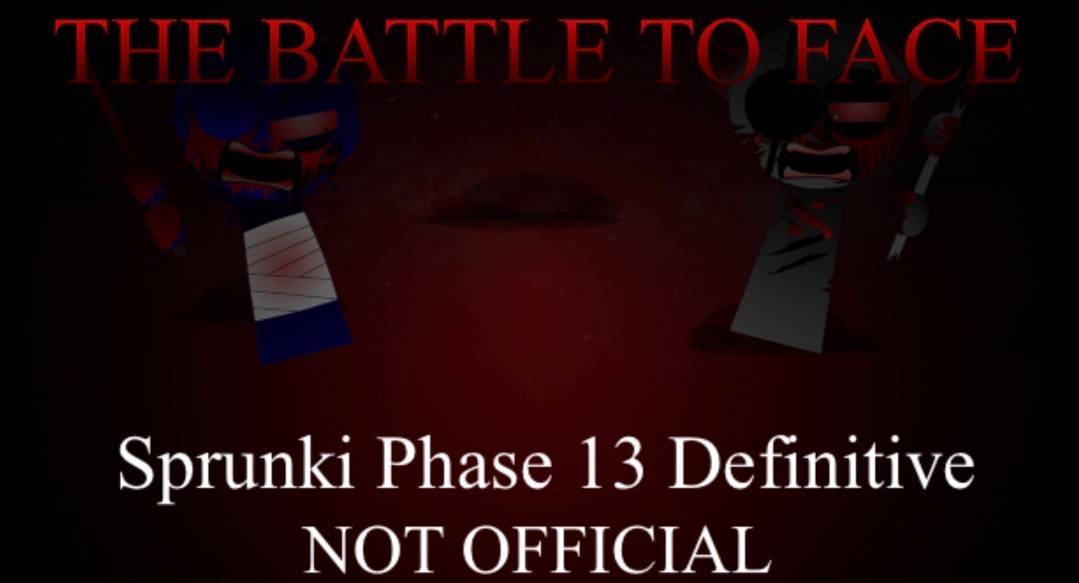
What does The Battle to Face mean on the title card?
A:
It is the subtitle shown on the opening screen. Play begins after the green flag and the disclaimer card.
Play Sprunki Phase 13 Definitive in your browser.
Share Sprunki Phase 13 Definitive
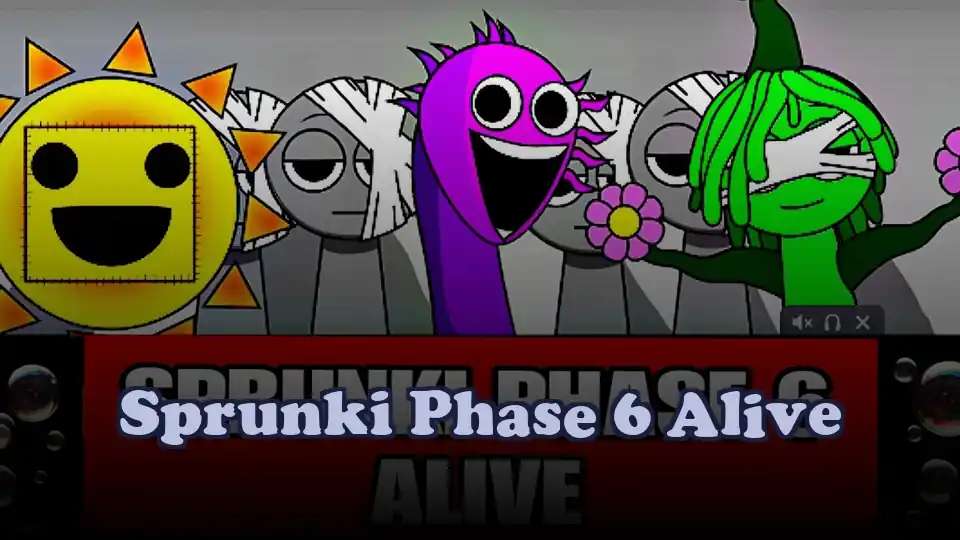

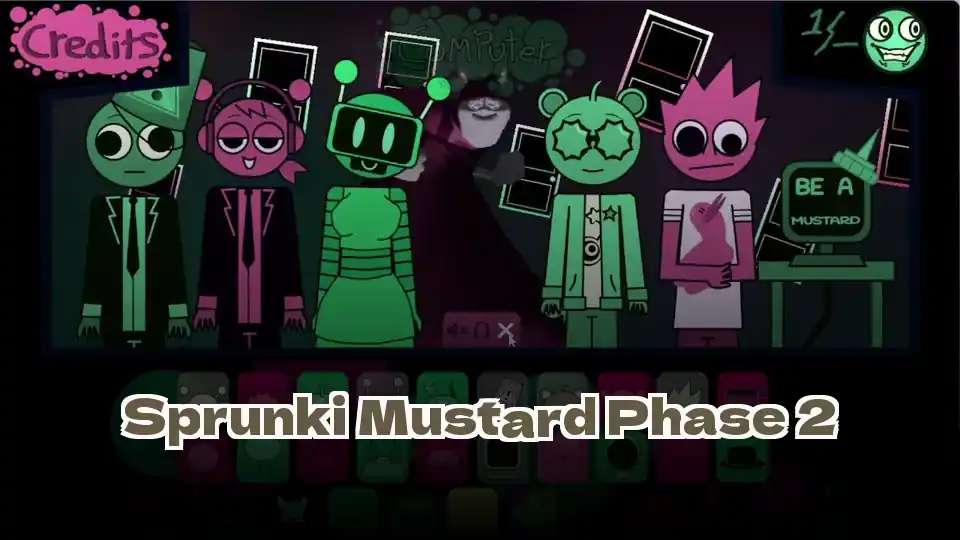
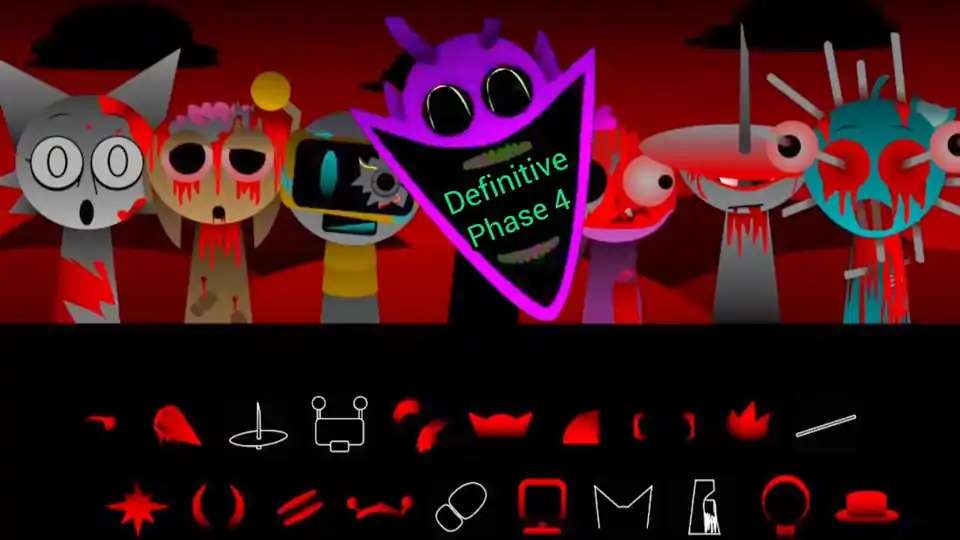



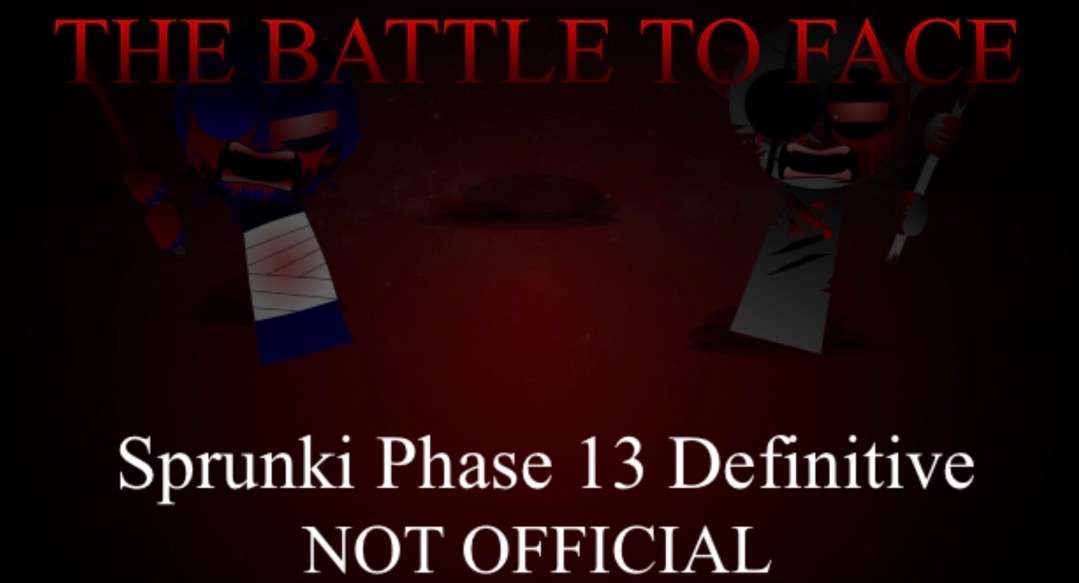
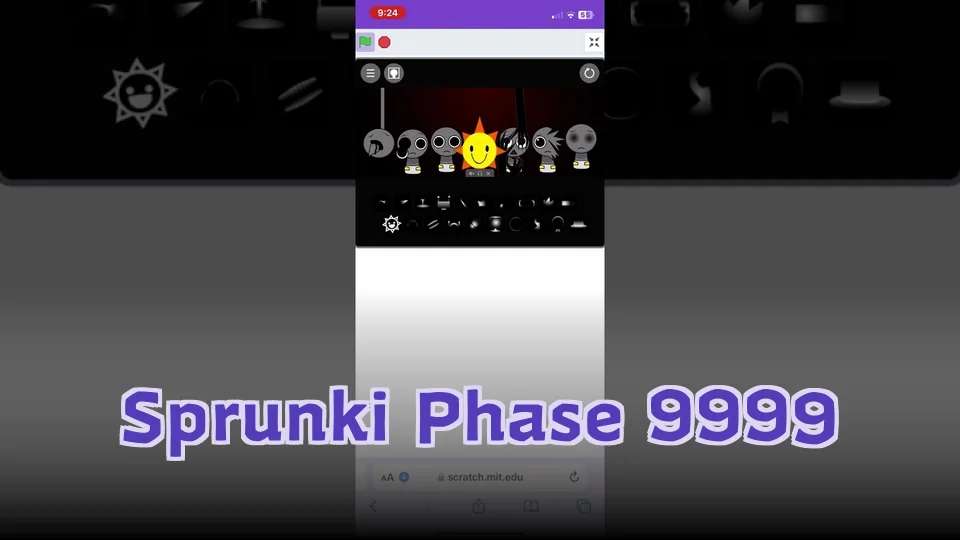


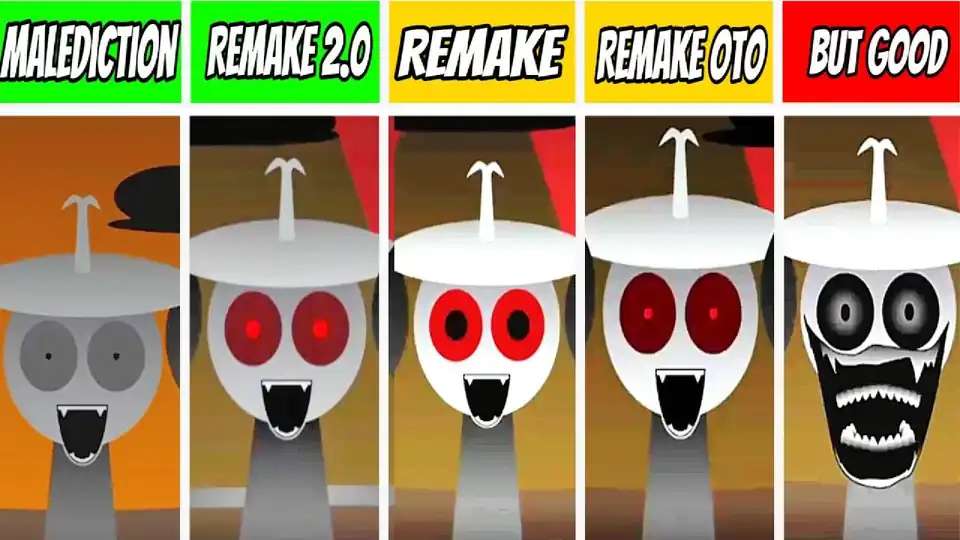

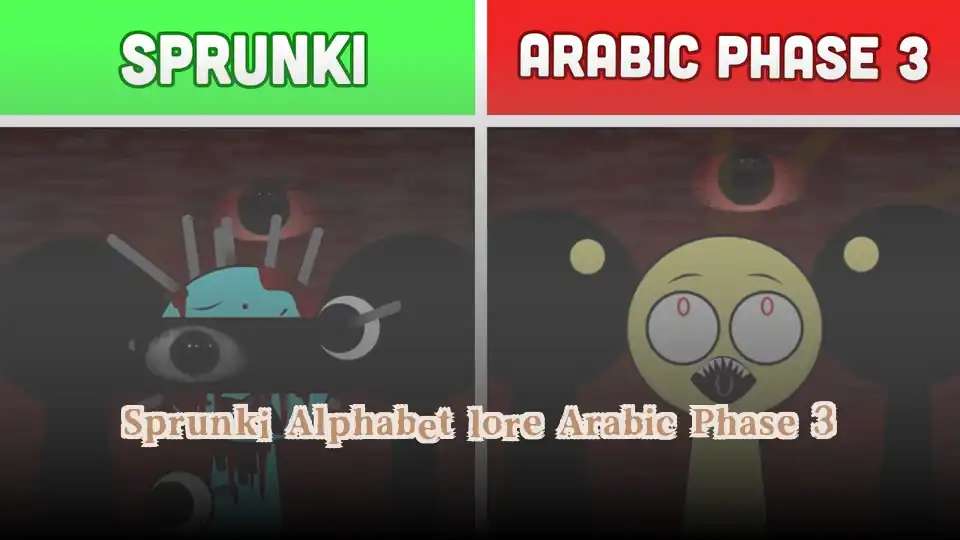


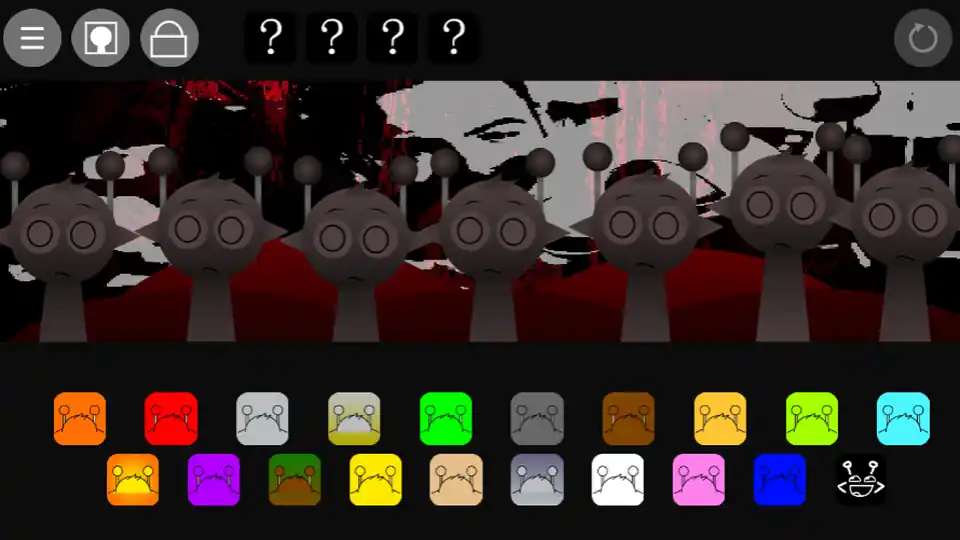
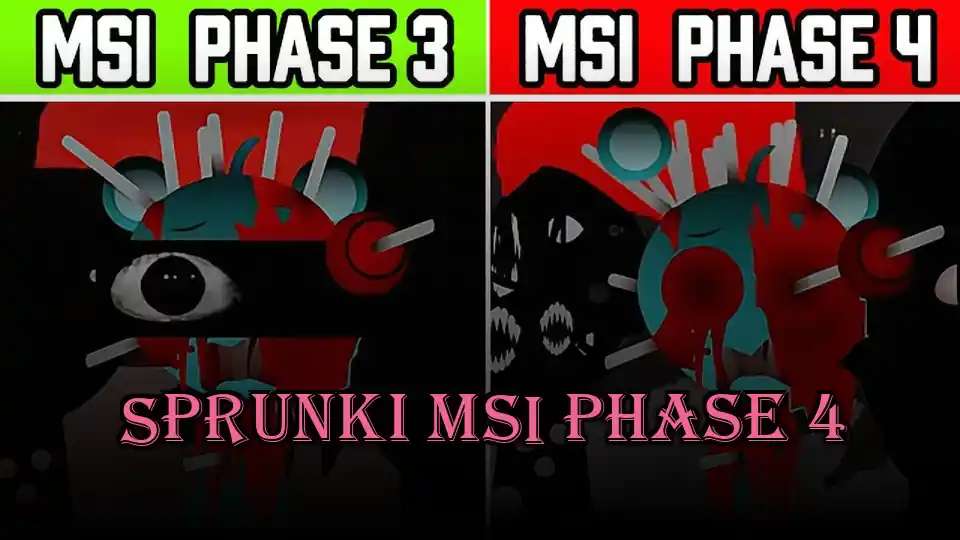

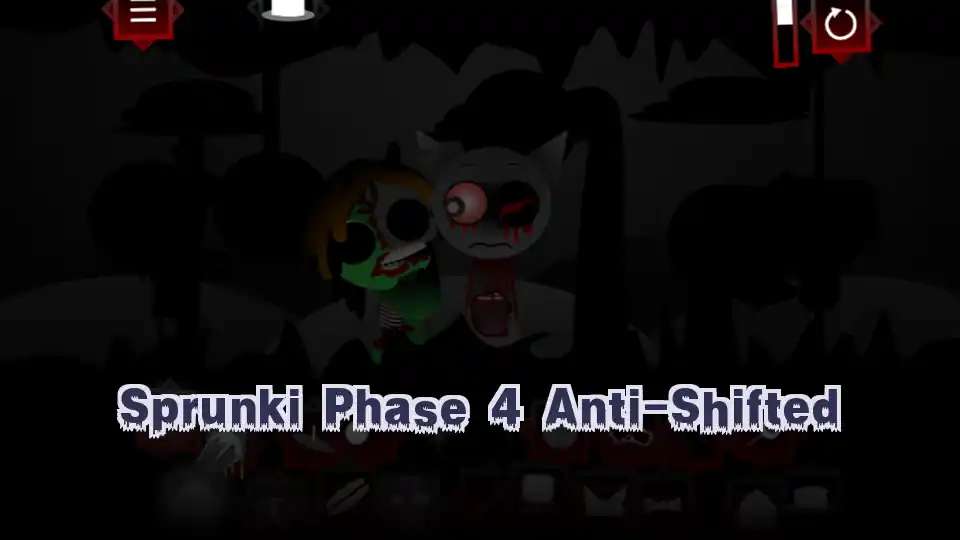


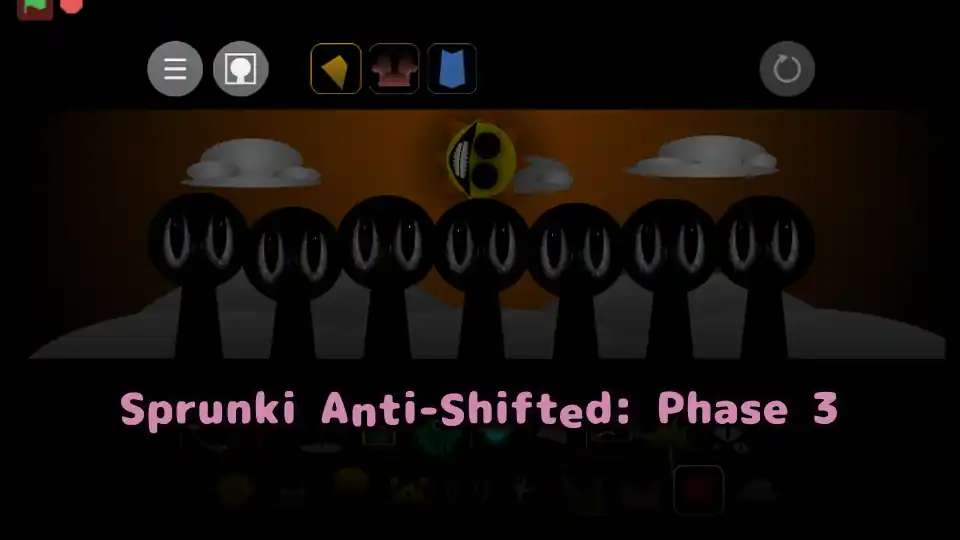








Sprunki Phase 13 Definitive is a fan-made continuation of the Definitive phase line, opened by a title card that reads The Battle to Face. The stage is painted in deep red, with black silhouettes standing on a ridge and a large compass-like seal hanging in the sky. Below them sit two rows of name buttons: Oren, Raddy, Clukr, Killbot, Vineria, Gray, Brud, Garnold, Owakcx, Sky, Mister Sun, Durple, Mister Tree, Simon, Tunner, Mister Computer, Wenda, Pinki and Jevin, plus one locked slot. What sets this chapter apart is how much it tracks the cast after the earlier phases. A dedicated status screen shows who is alive, injured, infected or already gone.
Press the green flag in the center of the player. A short disclaimer card appears first and explains that this is an unauthorized fan chapter; click anywhere on it to reach the red stage.
Click a name button to select that character. Selected buttons stay lit, so you can see at a glance who is active. Add one name at a time and listen before choosing the next.
Open STATUS at the top left to see each character's condition, and the menu icon to switch background sound, bonus characters and floating text on or off.
Colored dots mark each character as unharmed, injured, on the verge of death, dead, infected, reincarnating or repaired, turning the phase into a story you can read between mixes.
The roster covers familiar faces such as Durple, Wenda and Mister Sun next to rarer picks like Owakcx and Garnold, with a darkened final slot left closed at the start.
A second status page lists eleven extra fan characters. Their toggle in the menu starts switched off, so you choose when they join the stage.
Sky, Brud, Clukr and Pinki each have floating lines that can be hidden one by one, which helps when you only want to focus on the music.
It is the subtitle shown on the opening screen. Play begins after the green flag and the disclaimer card.
Nineteen named buttons sit in two rows, from Oren and Raddy to Wenda, Pinki and Jevin. A twentieth slot starts locked.
Each color is a condition, such as injured, infected or reincarnating. Some characters carry two colors at once.
Open the menu icon next to PEOPLE and switch the bonus characters toggle from red to green.
Yes. The menu has a separate switch for each floating line.
No. It is a fan chapter that continues the Definitive phases in its own way, so treat its events as one take on what comes next. Compare it with Resonant Atlas's courtyard soundscapes if you want a calmer musical setting afterward.
Sprunki Phase 13 Definitive runs inside this page on Spunky Game at spunky.games, so there is nothing to install. Give the player a few seconds to load, press the green flag and click once on the disclaimer. Use fullscreen if the name buttons feel small, and turn up the tab volume before you start. After this phase, the Emberbeat rhythm chapters are a calmer way to keep playing with sound.
Few phase mods tell you what happened to the cast. Here the status colors let you compare who survived, who changed and who returned before you build a mix.
Background sound, bonus characters and each floating line can be switched separately, so the same stage can feel crowded and noisy or quiet and focused.
There is no timer or score. Spend a few minutes on a single character or try the whole roster, then compare the result with Monster Choir's day and night loops for a lighter take.
Open STATUS first and note which characters are marked infected or reincarnating. Choosing them together makes it easier to hear the darker side of this chapter.
💡The second status page is where the eleven bonus characters are listed.
Turn floating text off for Sky, Brud, Clukr or Pinki when the lines cover the silhouettes. You can switch each one back later from the same menu.
💡Leave bonus characters off on your first visit, then enable them to compare.