Can I lose?
No. Explore and compose at your own pace; discoveries are optional.
SPUNKY ORIGINALS
The world is your instrument.
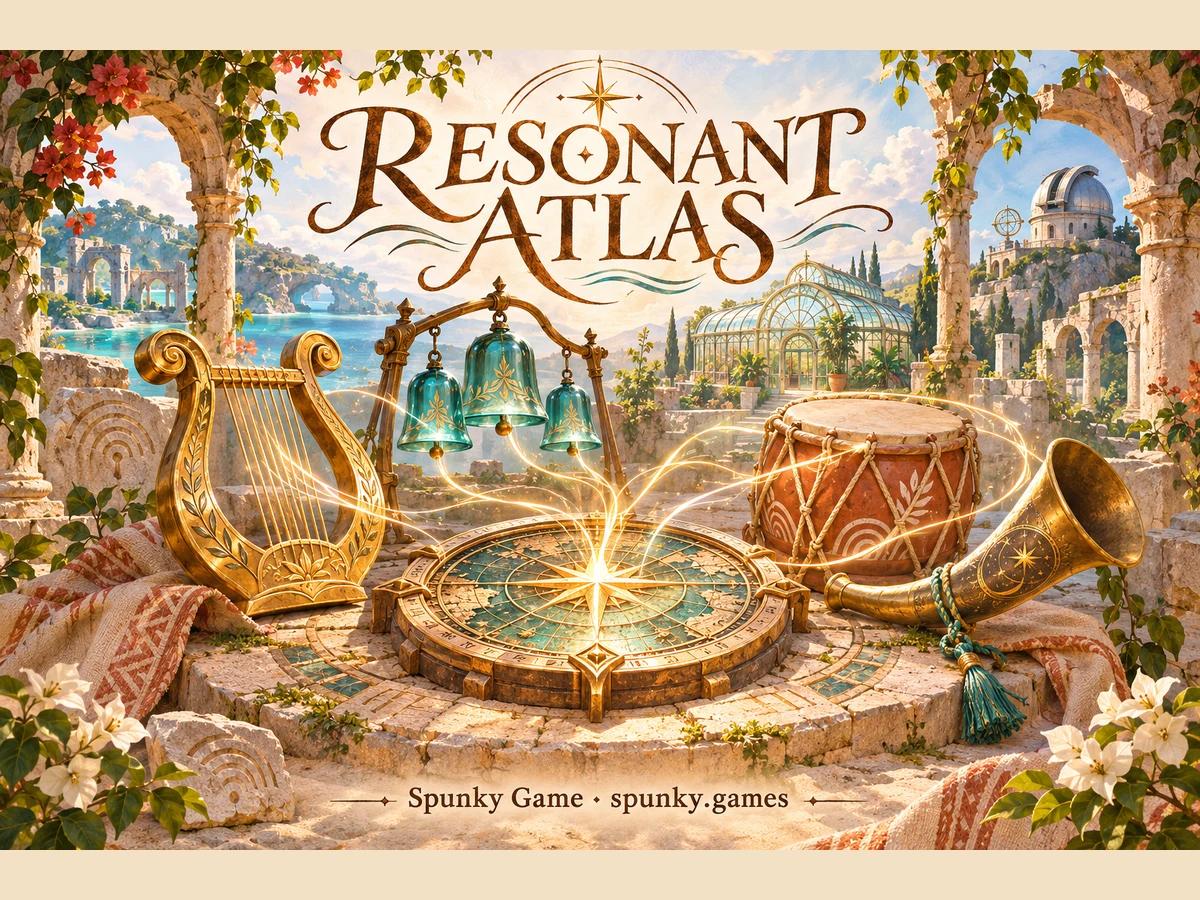
After the tide, three silent courtyards emerged. As their sound cartographer, bring portable resonators to the ruins and listen for what they remember.
The world is your instrument.
Mouse or touch: choose, place and select. Move then tap a new spot. Space plays or pauses when the map is focused; Escape cancels selection; Delete removes the selected part.
1–8: Choose an instrument · Enter: Choose a sound, then tap open ground. · ← ↑ → ↓: Move · Space: Play · Delete: Remove
An original single-player musical sandbox by Spunky Game. Eight synthesized instruments, three places and editable patterns; no account is needed.
Changes save automatically in this browser. Each memory has Keep and Restore buttons; Keep replaces that slot. Records do not sync across devices.
No. Explore and compose at your own pace; discoveries are optional.
Move a selected instrument horizontally for pitch, or toggle its sixteen steps for rhythm.
Tap the beacon for its pair. Both must be near it, unmuted, with at least one active step.
Changes save automatically in this browser. Each memory has Keep and Restore buttons; Keep replaces that slot. Records do not sync across devices.
Enter first to unlock audio. Check Play, Music and Sound volumes. Returning from a hidden tab stays paused until you press Play.
Tap an instrument, then the ground. Use landscape view for more room; headphones make the stereo placement easier to hear.