Q:
How is Phase 10 Remastered different from the earlier Phase 10?
A:
It keeps the dark mood but redraws the twenty icons and adds a gallery behind the keyhole button.
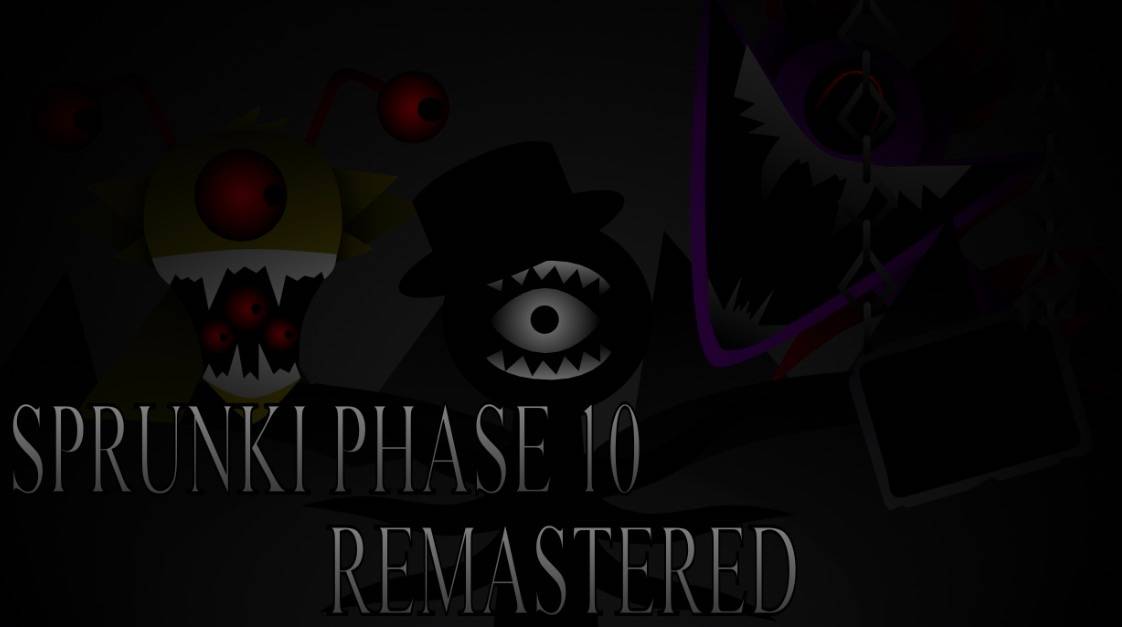
Play Sprunki Phase 10 Remastered in your browser.
Share Sprunki Phase 10 Remastered

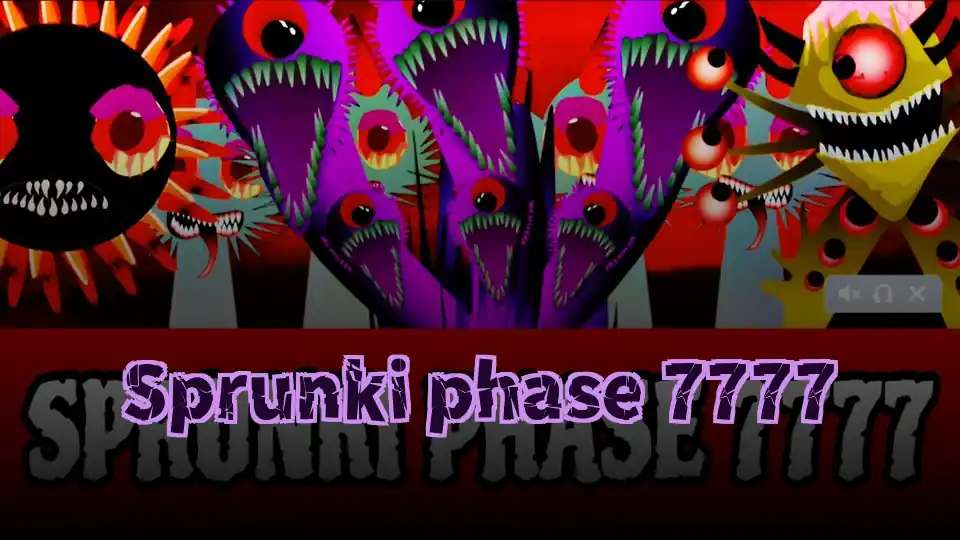
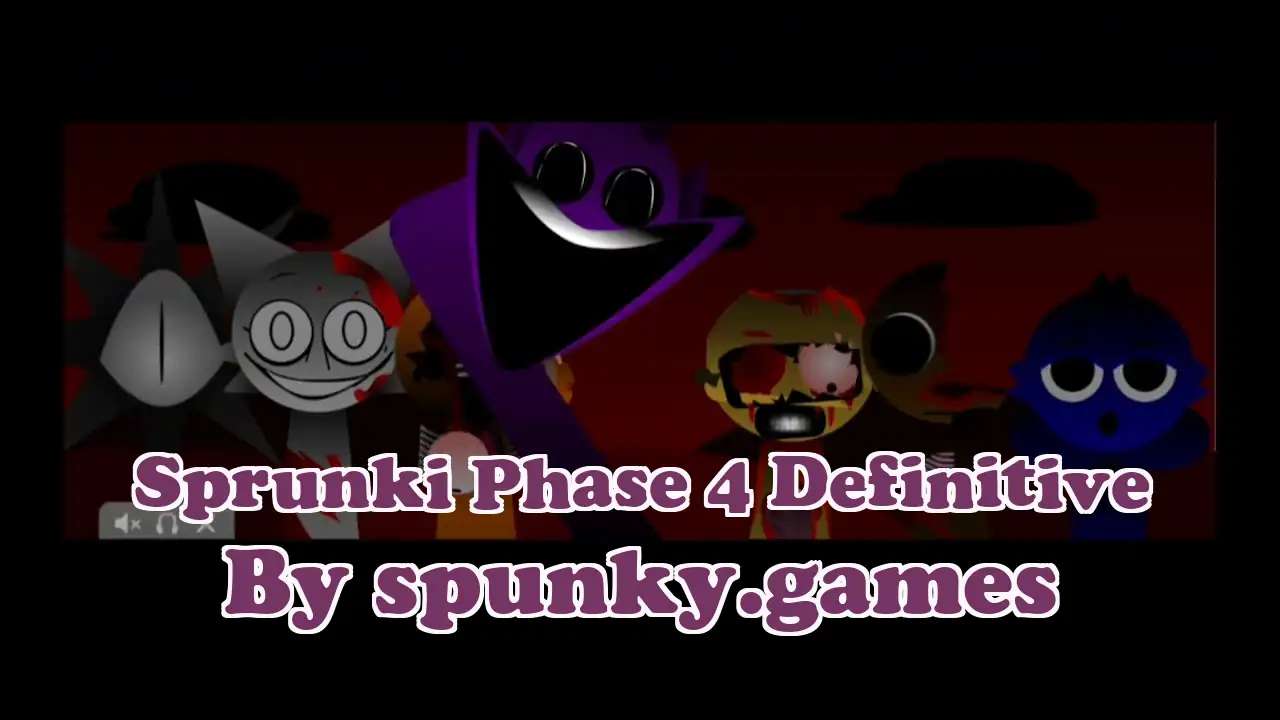


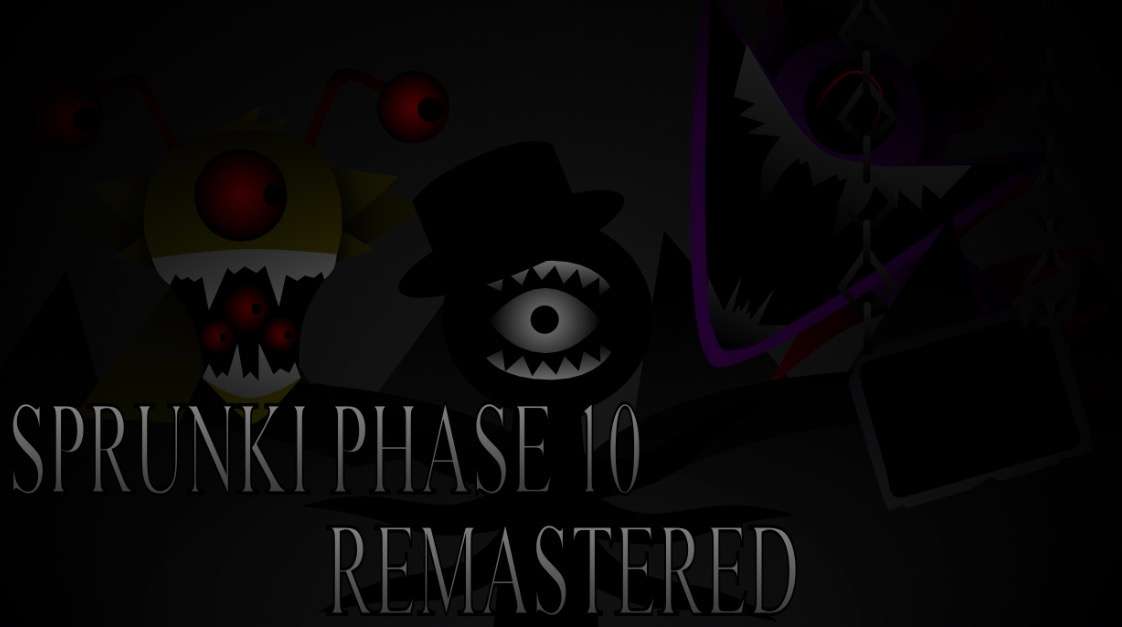
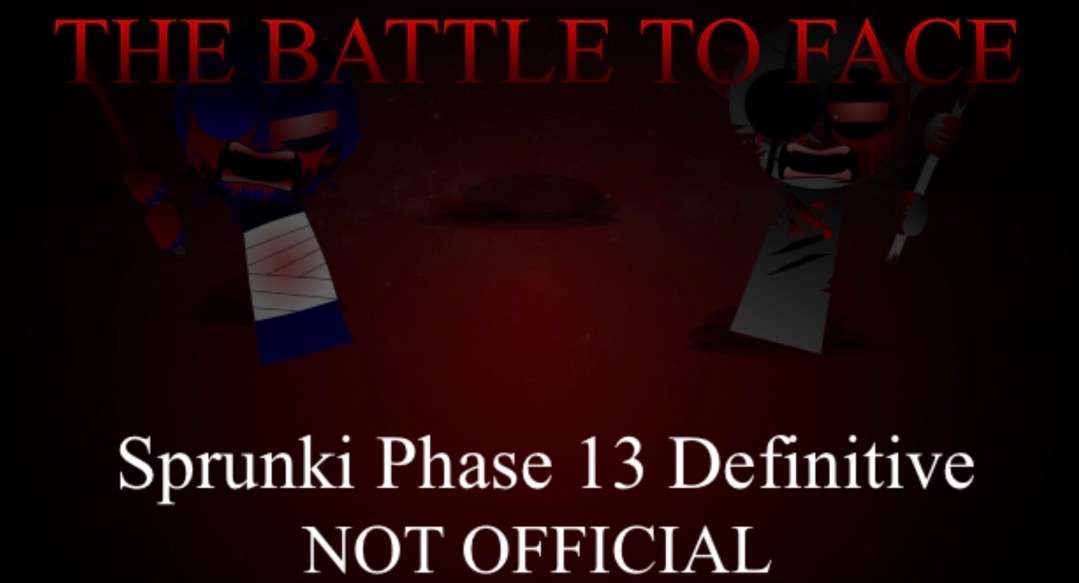
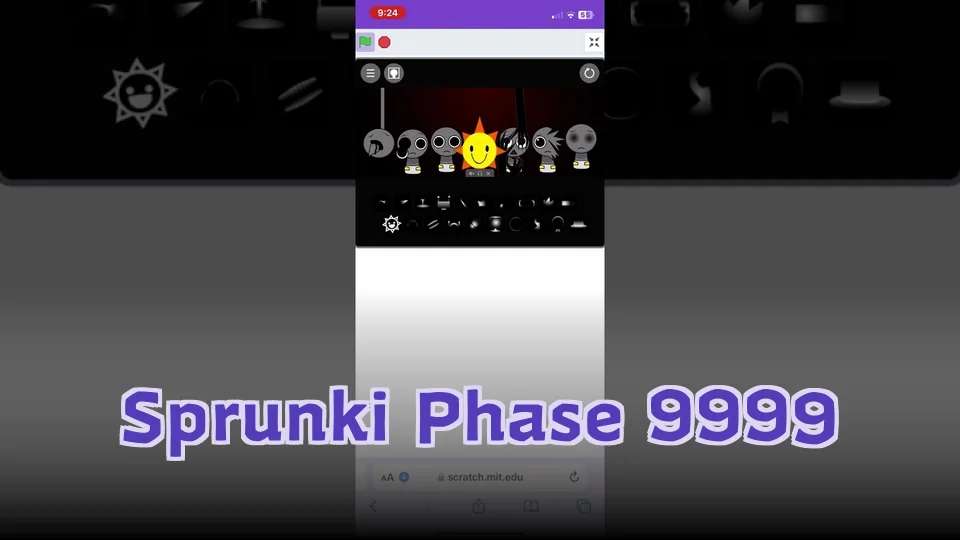


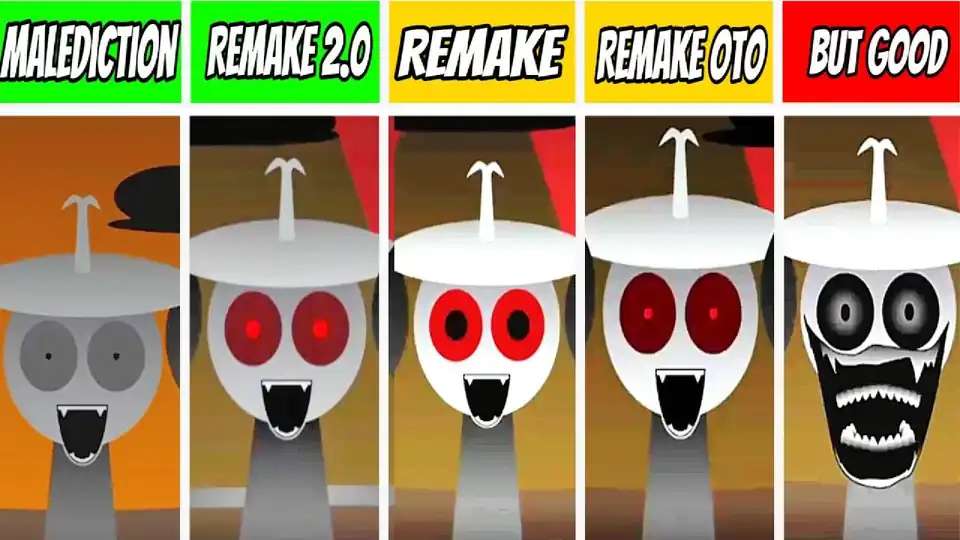


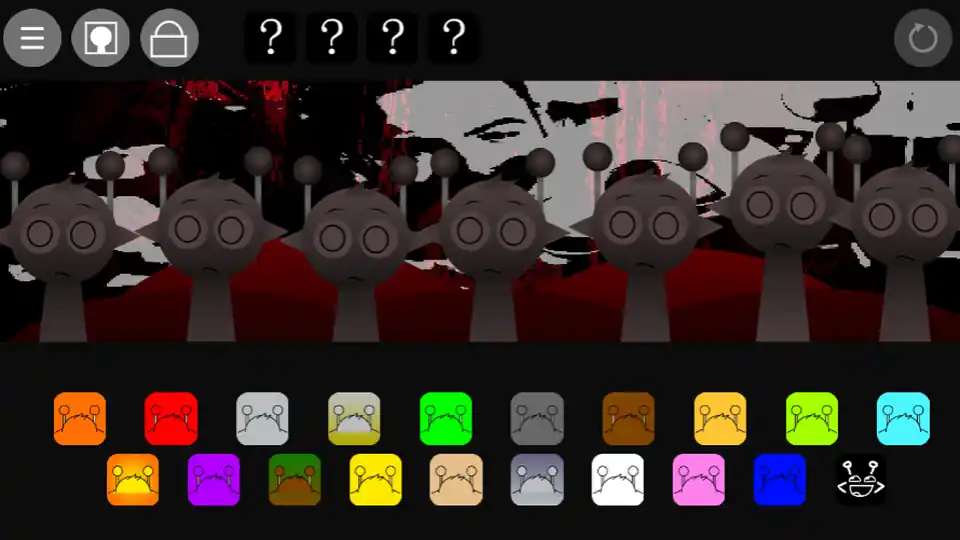








Sprunki Phase 10 Remastered is a fan remake of the Phase 10 horror mix with new art and a cleaner layout. A one-eyed creature with a spiked collar glows above a gray stage, while silhouettes wait in front of dark mountains for you to give them a sound. Twenty round icons sit in two rows beneath the stage, each showing a distorted face, from a toothy yellow grin to a single red eye. The aim is the same as any music mixer: build a loop you like from the voices available. The remaster adds a gallery of artwork and keeps the eerie Phase 10 mood, so it suits players who already know the earlier version.
Press the green flag in the middle of the player and wait for the title screen to fade. Click once on the stage so the game can play audio in this tab.
Drag one of the twenty icons onto an empty silhouette to add its sound. Drag another onto the next figure, and keep going until the loop feels full. Listen to each voice for a moment before adding the next one.
The credit button lists who worked on the remake, the menu button holds the settings, and the keyhole button opens the gallery. A small round counter sits at the right edge of the bar.
Every voice has a new face, so you can spot beats, melodies and effects by their look instead of guessing from a plain row of shapes.
The keyhole opens a gallery of artwork. It begins with a notice that some images contain spoilers, letting you decide whether to browse before or after your first mix.
The muted background and black silhouettes leave the colored faces as the only bright elements, which makes the active voices easy to follow.
A strip of six symbols runs across the top bar next to the buttons, adding something extra to look for once the basic loop is running.
It keeps the dark mood but redraws the twenty icons and adds a gallery behind the keyhole button.
Each silhouette takes one icon, so the figures set how many voices play together.
The gallery. A spoiler notice appears first, and arrows on both sides let you browse.
Click once on the stage after the green flag, then check the tab and device volume.
Drag the icons off the figures one at a time until the stage is empty, then start placing new ones.
It has a horror look, with sharp teeth, single eyes and a dark stage. If that style appeals to you, the Emberbeat lantern moth concert offers a gentler night setting next.
You can open Sprunki Phase 10 Remastered right here on Spunky Game at spunky.games without installing anything. Let the title screen load, press the green flag and click the stage once to unlock sound. Fullscreen gives the twenty icons more room on small screens. When you want a different kind of music game, try Monster Choir's monster band after this one.
If you played the earlier Phase 10, the remaster lets you hear that mood again with redrawn characters and a tidier stage.
The gallery gives you something to explore between mixes, and its spoiler warning means you control when you see the story artwork.
With one voice per silhouette, swapping a single icon is enough to change the whole loop. Try the same habit later with Resonant Atlas's eight editable voices.
Start with a beat icon on the first silhouette, then add a melody and finish with effects. A steady base makes the darker voices easier to hear.
💡Drag an icon off a figure to remove it if the loop becomes muddy.
Read the spoiler notice before opening the gallery and decide whether you want to see the artwork now or after a few mixes.
💡Drag every icon off the figures to return to an empty stage before trying a new combination.