









Q:
How do you control Shooting game?
A:
Move with WASD, aim and turn with the mouse, and shoot with left-click or Space; holding Space fires repeatedly. R reloads, Shift runs, Q / E turns left or right, M toggles the map, and P pauses.
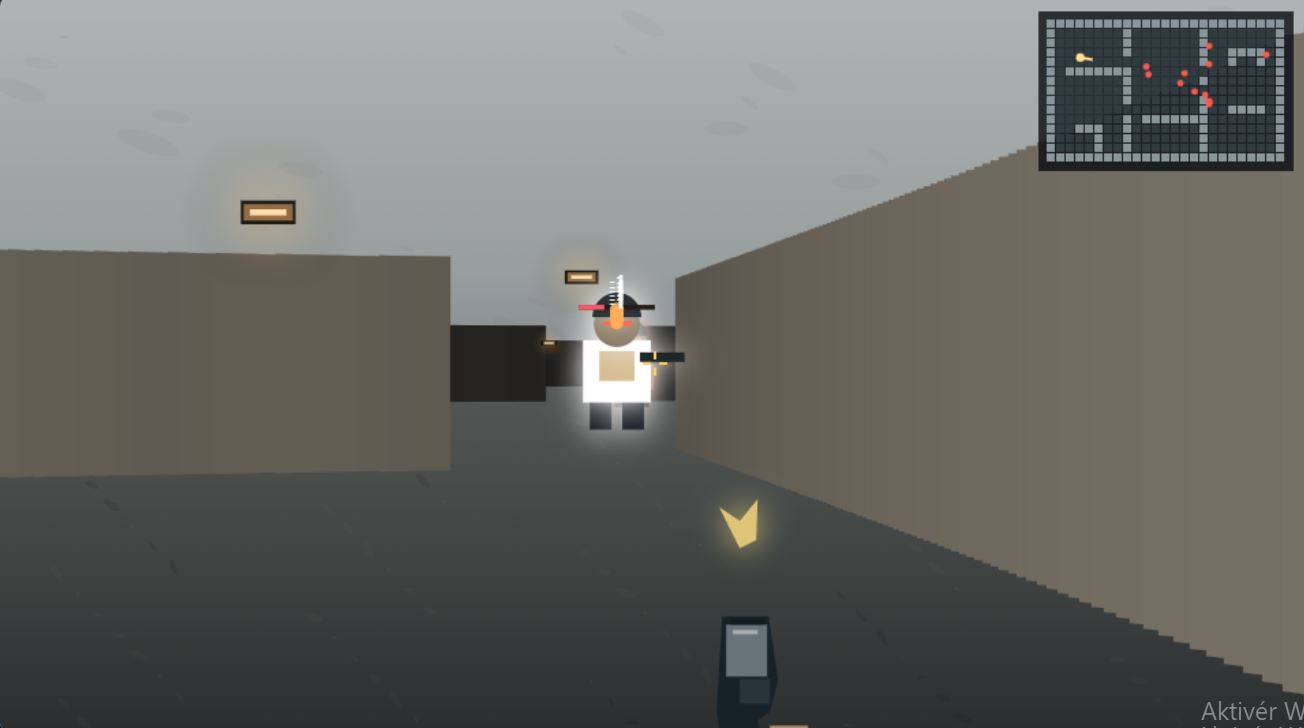
New bunker, fresh trouble. Keep moving—and save a few shells for the boss.
Share Shooting game







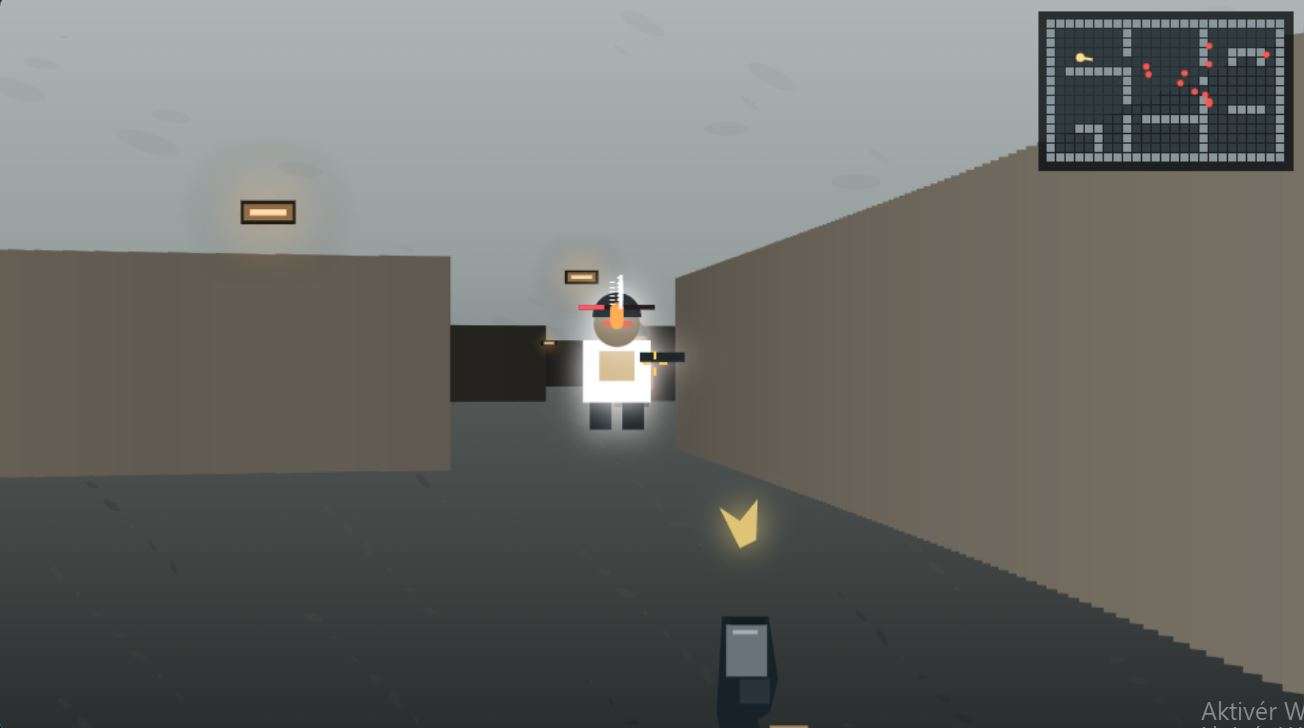
Shooting game, described as Bunker Run: Neon Siege, is a fast first-person shooter set in a maze of underground bunkers. Survive enemy waves, scoop up health and ammunition, and clear enemies to progress. Every level brings a different layout and a boss encounter, so don't get too attached to knowing your way around.
Pick a difficulty before starting your run. Your chosen difficulty stays visible during the game.
Use W, A, S, D to move and the mouse to aim and turn. Hold Shift to run, or use Q / E to turn left or right.
Left-click or press Space to shoot; hold Space to fire repeatedly. Press R to reload, and watch enemy health bars to track the damage you've dealt.
Pick up ammunition and health supplies when you find them. Weapons switch automatically when the current one runs dry; if you're completely out of bullets, use your knife at close range.
Press M to show or hide the map as you explore the changing bunkers. Press P to pause.
Clear the enemies in each level to move on. The boss arrives after a short delay, so use that breather to prepare.
The bunker layout changes with each level. That map button has a job to do.
Your arsenal includes a pistol, shotgun, and pulse rifle, with automatic switching when a weapon runs out of ammunition. No bullets anywhere? The knife handles close-range trouble.
Each level includes a boss encounter. A short delay before the boss arrives gives you time to prepare.
Find ammunition and health supplies throughout your run. Survival means keeping an eye on supplies, not just enemies.
The source's advice is clear: save shotgun shells rather than spending them on distant targets.
💡Save your shotgun shells for closer enemies.
Bunker layouts change as you progress, so the map is worth checking. Keeping moving is also part of the game's survival advice.
💡Use M to check your route as you move.
The boss arrives after a short delay. That little gap is preparation time, not a victory lap.
💡Reload and check your supplies before the boss arrives.
Move with WASD, aim and turn with the mouse, and shoot with left-click or Space; holding Space fires repeatedly. R reloads, Shift runs, Q / E turns left or right, M toggles the map, and P pauses.
Survive waves of enemies in underground bunkers and clear enemies to progress. Each level has a new layout and a boss encounter.
The game automatically switches to another weapon when your current weapon runs out of ammunition. If you have no bullets left, use your knife at close range and look for ammunition pickups.
Yes, you choose a difficulty before starting. It stays visible during gameplay.
Yes, Shooting game runs directly in your browser. There's no installation needed to get into the bunkers.
New layouts give you a fresh bunker to navigate every level. Keep checking the map rather than relying on the last floor's route.
A pistol, shotgun, and pulse rifle give you ammunition to manage, not an excuse to waste it. Run completely dry and you're down to close-range knife work.
Shooting game runs directly in your browser, so there's no installation between you and the bunker maze. Choose your difficulty, get your controls sorted, and start the survival run.