

Sprunki Bad Apple: Sprunki Bad Apple Game | Spunky Game
Sprunki Bad Apple
Play Sprunki Bad Apple Online - Spunky Game
Discover More Engaging Games
Sprunki Swap Showcase
Parasprunki 15
Sprunki grown up
Sprunki Phase 6 Alive
Sprunki Corruptbox 5
Sprunkstard
Sprunki Pyramixed 0.9
Sprunki 1996
Sprunki Mustard Phase 2
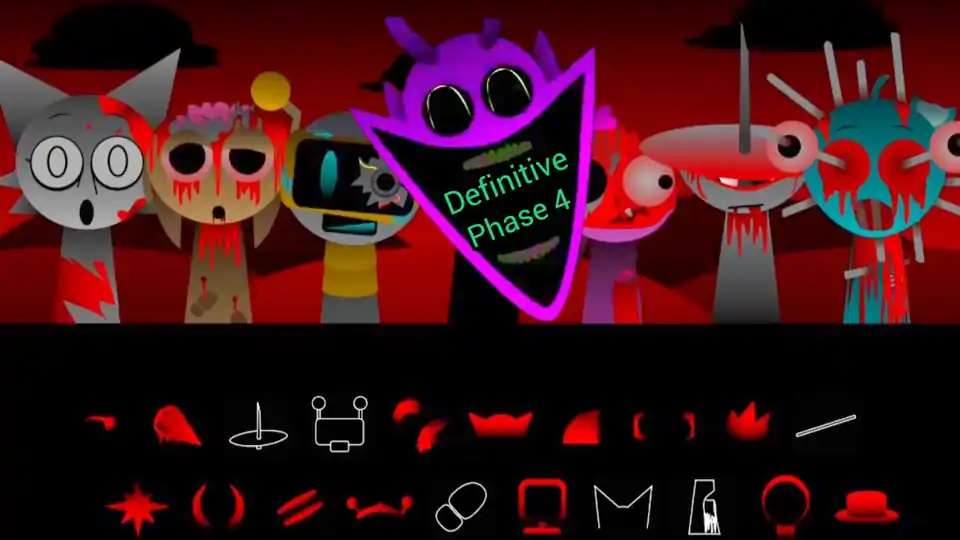
Sprunki Definitive Phase 4
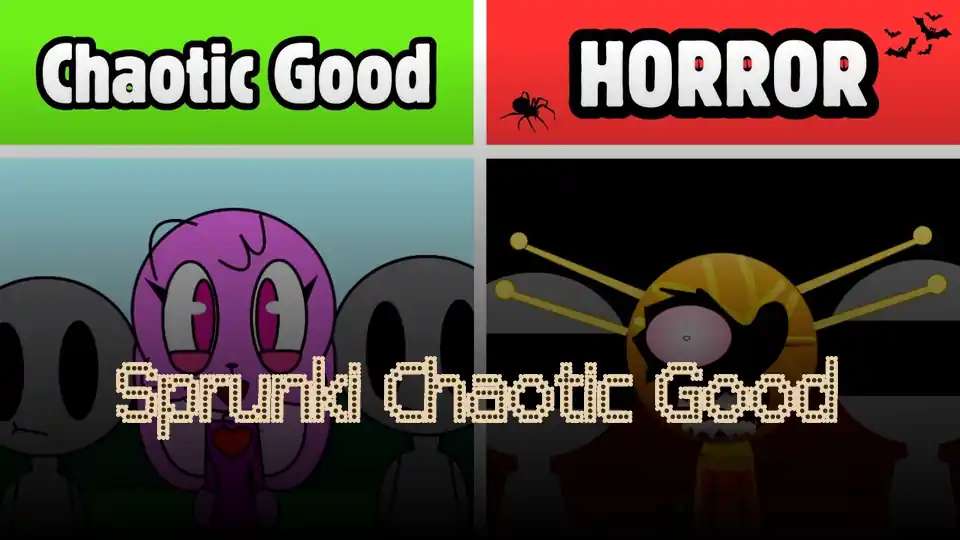
Sprunki Chaotic Good
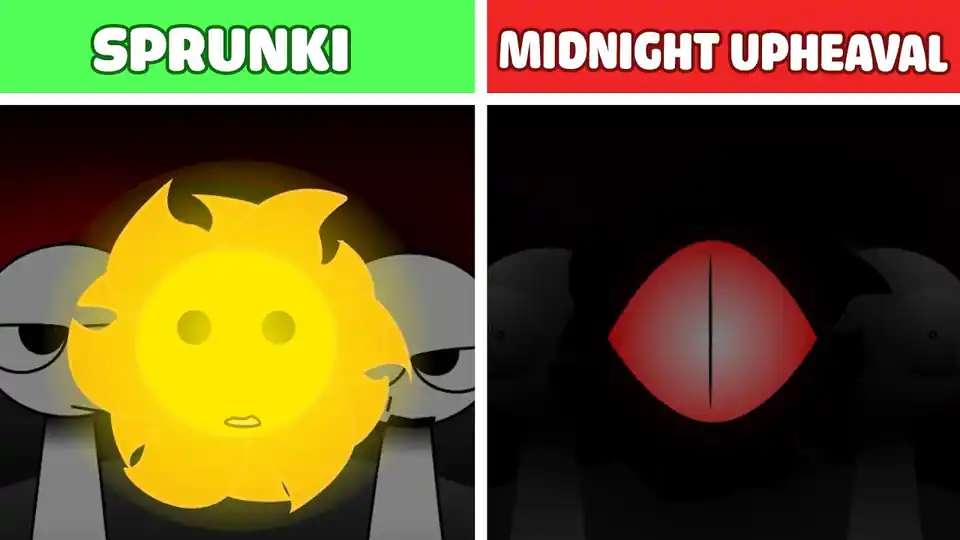
Sprunki midnight upheaval
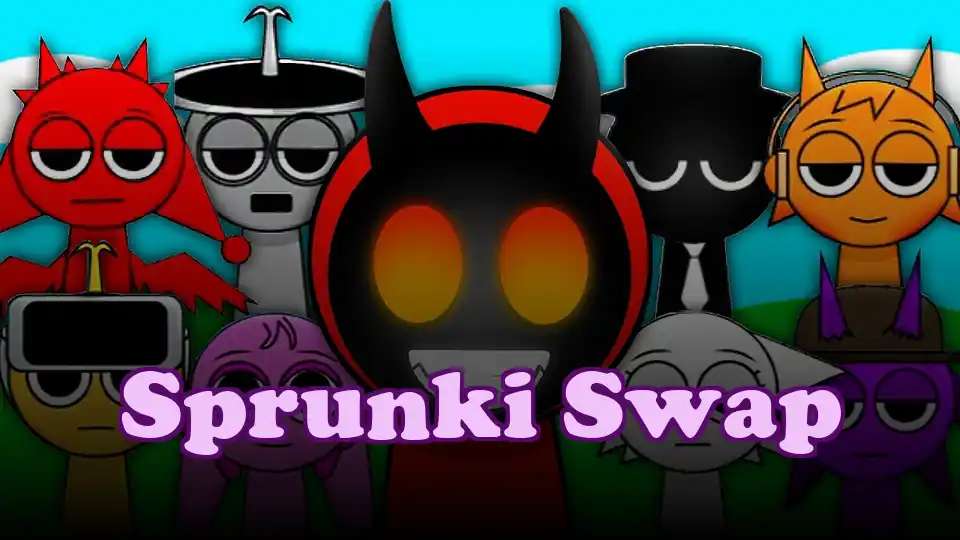
Sprunki Swap
Sprunki phase 7777
Slickback Sprunki
Sprunki Ships
Sprunki Retake Final
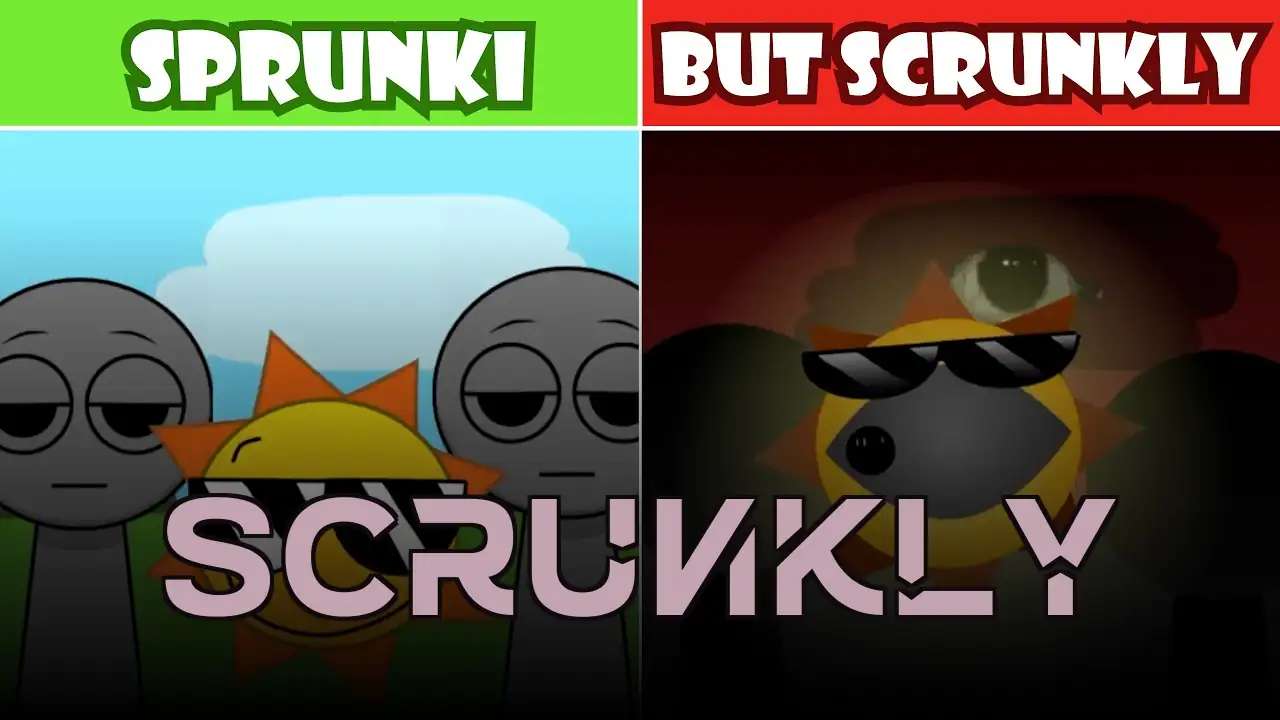
Scrunkly
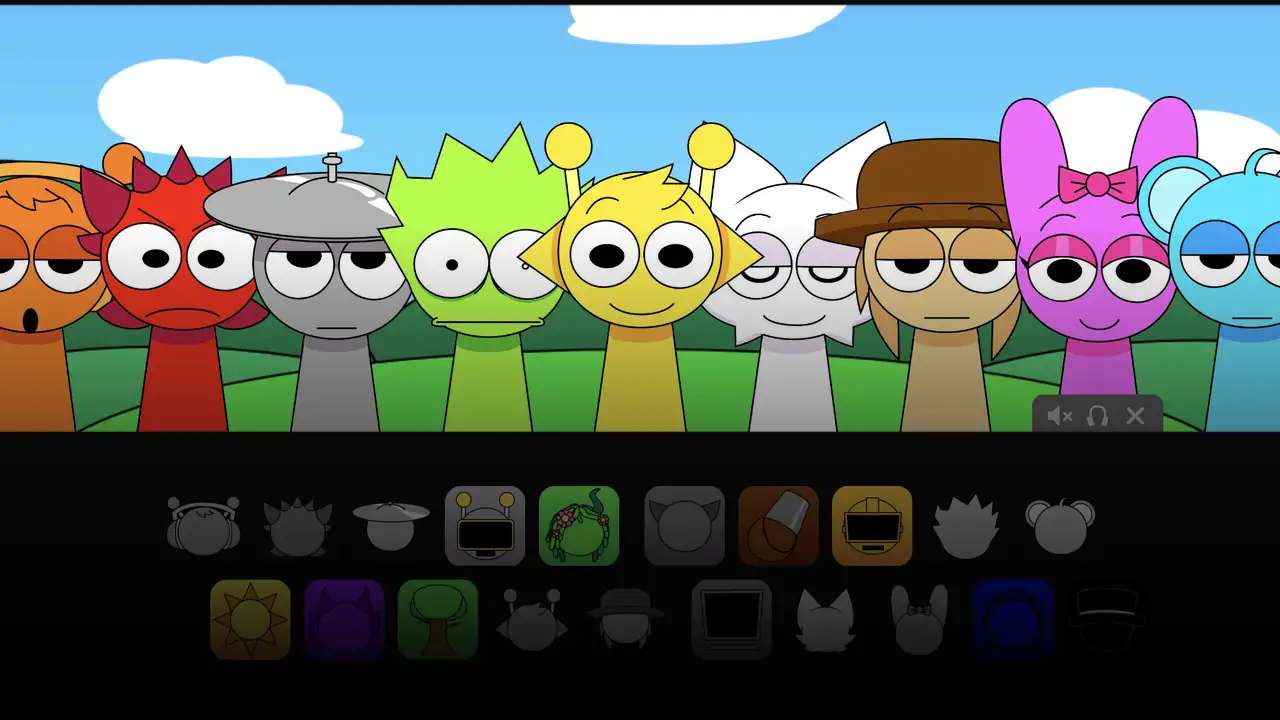
Sprunki Pyramixed
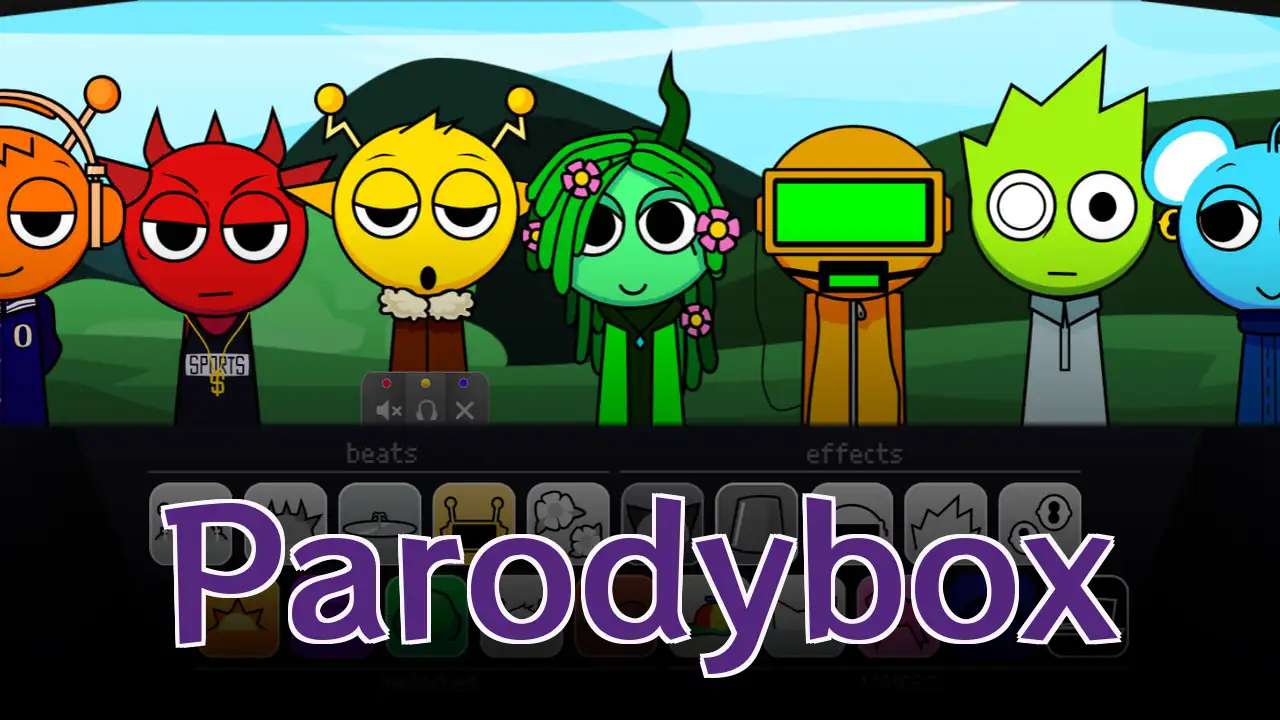
Parodybox
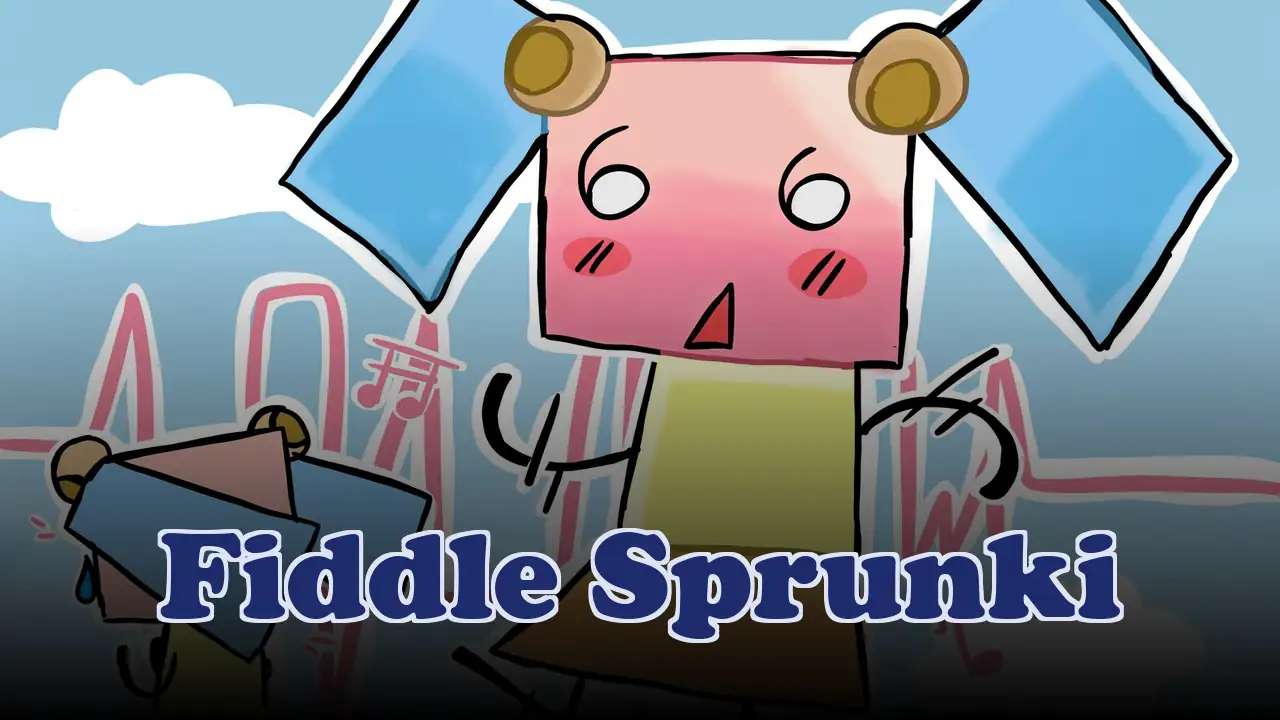
Fiddle Sprunki
Sprunki Oc Real
Sprunki Megalovania
Sprunki Katchup
Sprunki Phase 4 Definitive

Sprunki Vaporwave V2
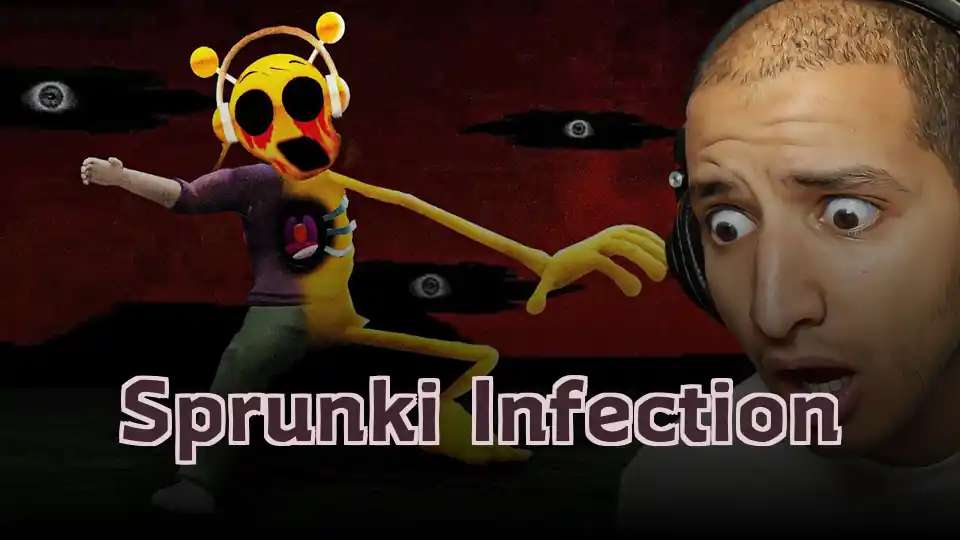
Sprunki Infection
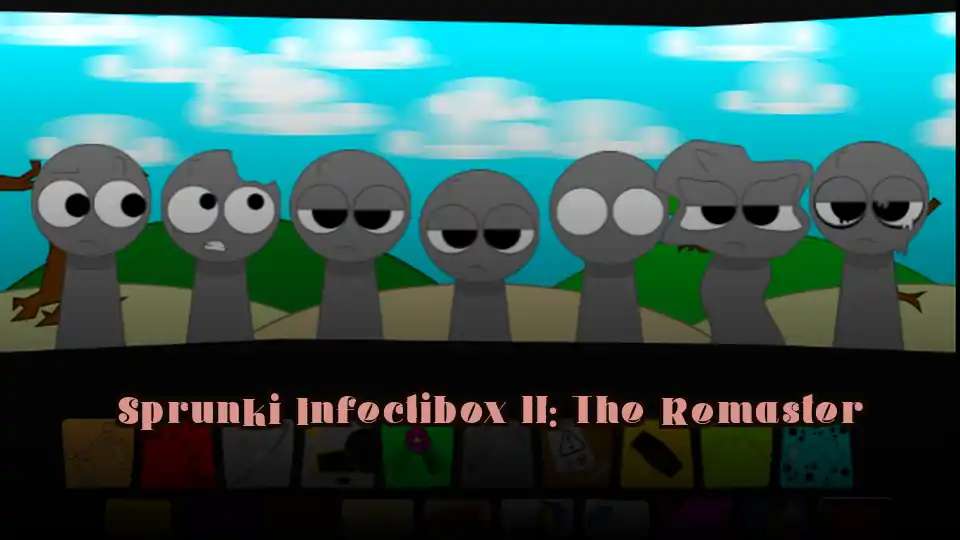
Sprunki Infectibox II: The Remaster
Sprunki Shocked
Sprunki Corruptbox
Explore Other Incredible Games
Escape Vehicles
Sprunki SprunkAYKI
Ticci Toby Game
Breath Of The Dying

CityPin USA

Wheelchair Revenge
Stickman Empires
Chase Rush
67 Clicker

Sprinkle Reversed
What Is Sprunki Bad Apple?
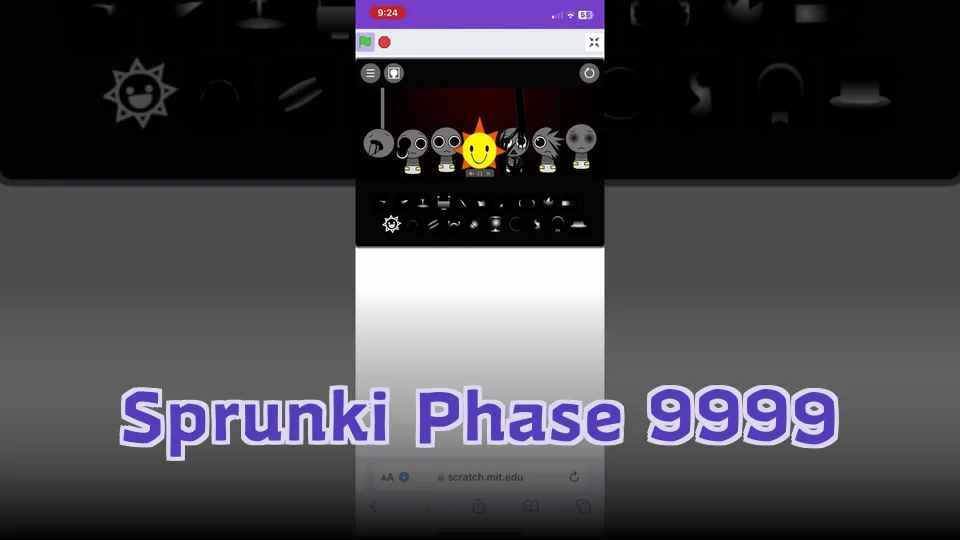
Sprunki Bad Apple is a browser-based Incredibox rhythm mod featuring a stark black-and-white aesthetic inspired by the iconic Bad Apple visual theme. Unlike the vibrant, color-coded chaos of typical Sprunki mods, it embraces a minimalist, high-contrast style with silhouette-based animations and dramatic soundscapes that create a unique horror-rhythm experience.
How to Play Sprunki Bad Apple?
Select and Drag Sound Icons
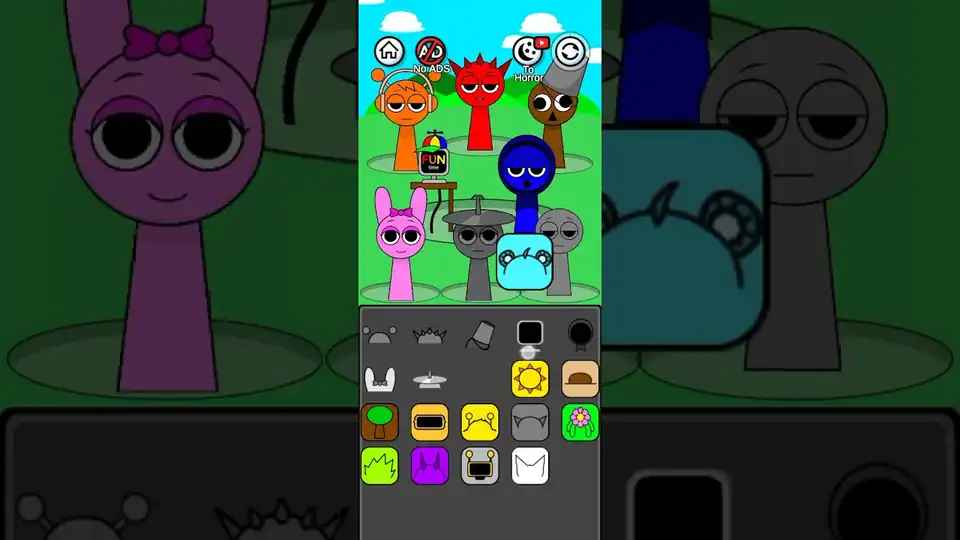
Choose sound icons from the menu including beats, melodies, effects, and vocals. Drag them onto character avatars to activate their unique sound loops.
Layer Multiple Rhythmic Loops
Combine multiple loops to build complex rhythmic compositions. Watch the monochrome visuals shift and respond dynamically to your sound choices.
Trigger the Horror Phase
Use specific sound combinations to initiate the Horror Phase, where the monochrome palette inverts or strobes to create a high-tension, atmospheric horror experience.
Key Features of Sprunki Bad Apple
Stark Black-and-White Aesthetic
Experience a striking monochrome visual style inspired by the iconic Bad Apple theme. High-contrast silhouettes and dramatic lighting replace typical Sprunki color chaos.
Incredibox Drag-and-Drop Mechanics
Master intuitive rhythm gameplay by dragging sound icons onto characters. Build compositions layer by layer with an accessible and engaging interface.
Cinematic Soundscapes
Craft dramatic compositions by combining sound layers from different characters. Each one contributes unique audio elements that transform the monochrome world into an immersive sonic journey.
Horror Phase Effect
Use specific sound combinations to activate the Horror Phase, where visuals invert, glitch, and strobe to amplify the atmospheric tension of your rhythm creation.
Frequently Asked Questions About Sprunki Bad Apple
Can I play Sprunki Bad Apple online for free?
Yes, Sprunki Bad Apple is a browser-based Incredibox rhythm mod that runs directly in your browser without any downloads required. You can play it on any modern web browser on desktop and mobile devices, making it highly accessible for casual play.
How do I play Sprunki Bad Apple?
Follow Incredibox drag-and-drop mechanics: select sound icons and drag them onto character avatars to build rhythms. Layer multiple loops to create complex compositions while watching the monochrome visuals respond to your choices.
How do I trigger the Horror Phase?
The Horror Phase triggers when specific sound combinations are activated. Experiment with different beat, melody, effect, and vocal combinations to discover which ones initiate the strobing and palette inversion effects.
Is Sprunki Bad Apple accessible to beginners?
Absolutely, the game is designed with accessible drag-and-drop mechanics. New players can start immediately and progressively learn different sound combinations and layering techniques through experimentation.
Do I need to download anything to play?
No download or installation is required. Sprunki Bad Apple is a browser-based game that runs directly from your web browser. Simply open the game and start playing immediately without any software setup.
Can multiple players enjoy this game together?
Yes, you can take turns adding sound elements to build compositions together on a shared device. Each player can contribute their own sounds to create collaborative rhythmic experiences.
How can I save my sound creations?
The game does not include a built-in save feature, but you can preserve your creations by recording audio from your browser or using screen recording software to capture your gameplay.
Does Sprunki Bad Apple have hidden features?
Yes, exploring different sound combinations may reveal hidden features and easter eggs. Experiment with various arrangements to discover all the unique effects the game has to offer.
What tips do you have for new players?
Start with basic beats and gradually layer in melodies and effects as you become familiar with the mechanics. Using headphones enhances the audio experience and helps you better appreciate the cinematic soundscapes.
Why choose Sprunki Bad Apple over other Sprunki mods?
Sprunki Bad Apple stands out with its minimalist black-and-white aesthetic that breaks from typical neon Sprunki visuals. Silhouette animations and atmospheric lighting create a unique horror rhythm experience unlike any other Incredibox mod.
Can I play on mobile devices?
The game is browser-based and works on mobile devices through any modern browser. For the best experience with the monochrome visuals and interaction with the rhythm mechanics, a tablet or larger screen is recommended.
How do I record my compositions?
Since there is no built-in save feature, you can record your compositions using browser audio recording tools or screen recording software to preserve your musical creations for later playback.
No Download Required - Play Instantly in Your Browser
No download or installation is needed. This Incredibox-inspired rhythm game runs directly in your browser. Open and play immediately without any software setup. Works on desktop and mobile browsers.
Perfect for quick casual gaming sessions.
Why Play Sprunki Bad Apple?
Unique Monochrome Horror Experience
Break away from typical Sprunki visual chaos with a minimalist black-and-white aesthetic. Silhouette animations and atmospheric lighting create a fresh horror-rhythm encounter.
Artistic Direction and Cinematic Atmosphere
The Bad Apple theme brings a distinctive artistic direction combining silhouette-based animations with dramatic soundscapes. Experience Incredibox like never before.
Accessible Browser-Based Gameplay
Play instantly without downloads or installations on any modern browser. Experience the full horror-rhythm adventure across desktop and mobile platforms.
Pro Tips and Tricks for Sprunki Bad Apple
Character Selection & Timing
Time your sound selections to match character animations for a cohesive audio-visual experience. Understand each character's unique rhythm patterns.
💡Watch animation cycles before placing sounds to synchronize perfectly.
Horror Phase Mastery
Learn which sound combinations trigger the Horror Phase. Once discovered, use this knowledge to strategically add dramatic visual impact to your beats.
💡Experiment with different element combinations to find all triggers.
Rhythm Layering Strategy
Start with a foundation loop and build layers methodically. Combine 3-4 complementary sound loops for rich compositions without overwhelming the core rhythm.
💡Identify the main beat first, then distribute other elements around it.