Q:
Can I play this squishy game in my browser?
A:
Yes. Open Squishy Jar on a phone or computer and play in your browser without installing an app.
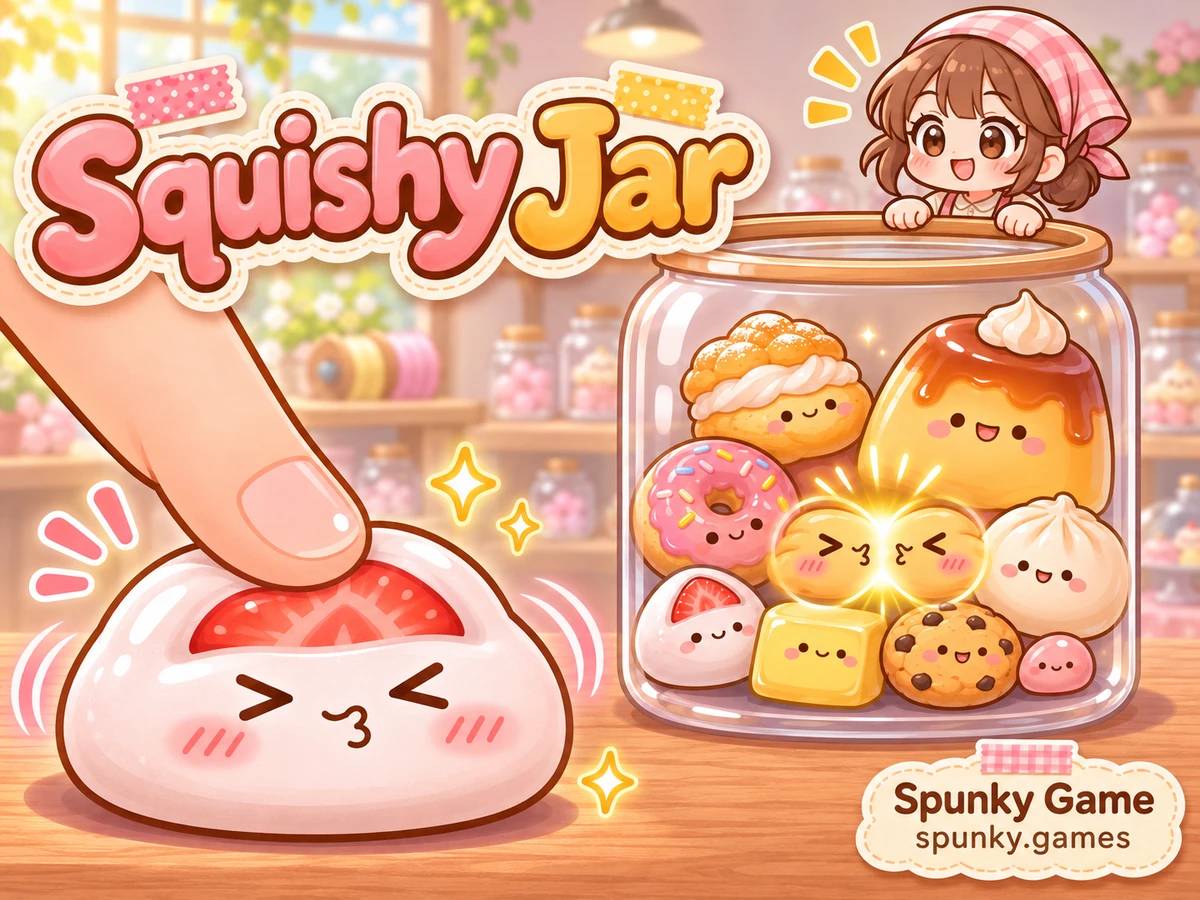
Drop a toy, squeeze it to shift the pile, and seal the jar when the order is ready.
Drop a toy, squeeze it to shift the pile, and seal the jar when the order is ready.
Share Squishy Jar
The shopkeeper is out hunting for new colors and left you in charge of the Gift Calendar. You're the apprentice in a little craft shop, facing a row of glass jars and 30 gift orders. Drop dessert-shaped squishy toys from the rail so matching tiers meet and combine into the pieces on your slip. When the pile jams up, press a toy inside the jar flat and let its rebound shift its neighbors. Even the first two orders are real calendar jars.
Check the squishy toy on the drop rail and the next piece on the tray. Aim where the piece can touch another of the same tier. Below the tenth and final tier, two matching pieces fuse into one toy a tier higher. In the opening order, drop low-tier pairs side by side to step up one tier at a time until you build what the slip requests. Some orders also ask for a specific material alongside the tier and count, and no toy counts twice.
Your hearts show how much squish power is left. Holding a piece flattens it and spends power, while merges refill some. Even when your hearts run low, you can still drop toys to earn merges. In the second order, two matching pieces can stop just shy of touching; press a neighbor flat, let go, and its rebound can nudge them together. Watch the warning line near the top. Fast drops crossing it are fine, but toys resting above it start a countdown that shuts the lid. Once every required piece is in the jar at once, the order checks off; seal right away or keep packing for up to two extra ribbons.
Click the drop rail or drag along it and release. Hold the left button on a toy in the jar to squeeze it, then let go.
Tap the rail to drop, or slide along it and lift your finger. Press and hold a toy in the jar to squeeze it, then lift your finger.
Tab to the drop rail, aim with Left or Right, and press Enter or Space to drop. Use those keys for menus and sealing a checked lid. Press Esc to cancel a gesture, close a menu, or pause. Squeezing needs a mouse or touch input, though you can fill orders by dropping alone.
Leave room for the next piece on the tray, and take low-tier merges near the bottom before heavier toys bury them. Save squish power for pieces that block a match or push the pile over the warning line. Put each material to work. Slow-Rise Foam expands slowly after release, leaving a brief pocket to drop into. Sticky Mochi pulls neighbors inward, handy when two matching toys stop just short. On material-specific orders, check what a merge produces before mixing two special materials. Once an order checks off, decide whether to seal now or chase extra ribbons; even if a later merge eats a target piece, your clear still holds.
The drop is only the first move. Every toy in the jar reacts when pressed, and five materials shape what happens next: Classic Jelly nudges pieces apart, Slow-Rise Foam holds a short gap open, Bouncy Bubble lifts a neighbor over a ledge, Sticky Mochi pulls nearby toys closer, and Heavy Butter presses down softer pieces beneath it while costing more squish power to compress. Across 30 orders, changing jar shapes and obstacles shift where each move pays off. The Squishy Album tracks all ten tiers and five materials, flags first discoveries after each settled jar, and opens from the Gift Calendar or mid-order.
Squishy Jar is a single-player browser merge game from Spunky Game, built for desktop screens and both portrait and landscape phones. The Gift Calendar spans six stages and 30 orders, with a shopkeeper note at each stage start plus a seventh welcome-back note and card after the final jar, and you can reopen the unlocked ones from the calendar. Clearing an order opens the next one, and replaying saves your best score and best ribbon count separately. The interface supports English, Traditional Chinese, and Japanese.
Yes. Open Squishy Jar on a phone or computer and play in your browser without installing an app.
Gravity and same-tier merges feel familiar, except you can also squeeze toys in the jar to shift the pile, and each jar has a gift order to fill.
Holding a toy flattens it and spends squish power. On release, its material decides how it moves nearby toys to nudge, pull, or lift matching tiers together.
Any two same-tier toys below the tenth tier can merge regardless of material. Same materials stay the same, Classic Jelly with a special material keeps the special one, and two different special materials revert to Classic Jelly.
Fast drops past the warning line won't start the countdown. Only toys resting slowly above it run the timer, and lowering the pile clears it. When time runs out, the lid closes: an unchecked order shows what's missing, while a checked order still passes even if a later merge used a needed piece.
Yes. You can aim, drop, navigate menus, and seal a checked jar with a keyboard. Squeezing requires a mouse or touch screen.
Progress and settings save locally in your browser when storage is enabled. Accepted drops and settled jars create checkpoints, so Continue packing returns to an unfinished jar on the same browser.
Below the warning line, nothing rushes your drops, so you can check the Squishy Album and plan calmly. Once toys linger above it, clear room before the lid shuts.