Breath Of The Dying: Seven Lands, One Flying Sidekick
Barely any memories, seven lands ahead, and a flying buddy. Better pack supplies.
Share Breath Of The Dying
More games


Related games
Diceborn
Colosseum — Gladiator Arena
STOP SWITCH

Geometry Ball Challenge
Blocky Rider
2v2 Io
Sprunki But Everyone is Alive
Screamals
Sprunki Yandere Simon
Sprunki Mother’s Nature Port
New World, Missing Memories
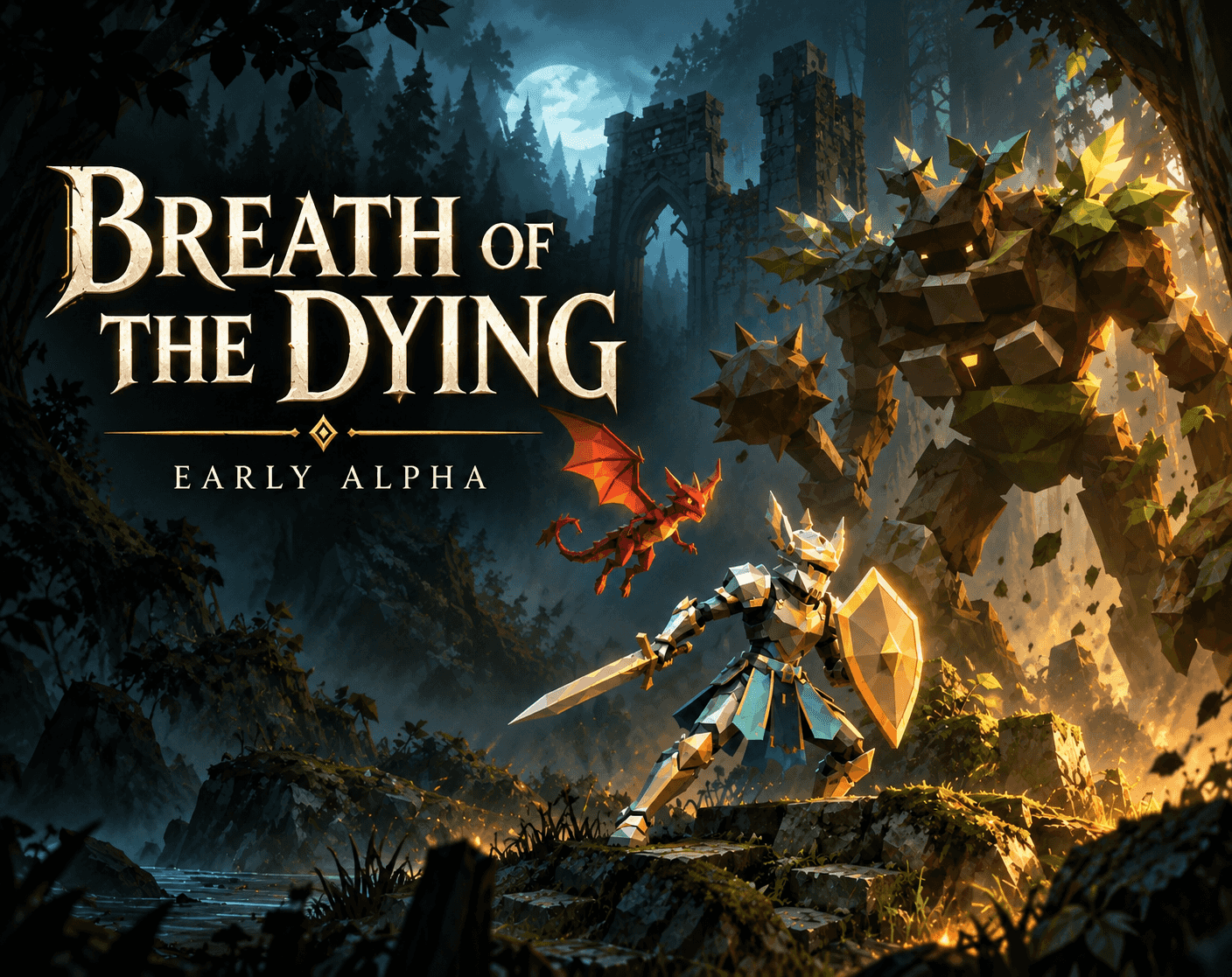
Breath Of The Dying is a single-player fantasy action RPG where you wake beside a small fire with barely any memory and a flying companion. The Lantern Guild calls people like you the Drifted, and seven connected world layers wait beyond the town gates. Made by a solo developer with AI assistance, this free browser game is in early alpha, so rough edges are part of the package.
Get Your Hero Out the Gate
Set Up Before Setting Off
Give the first load a moment, then pick your controls and create your hero. Fullscreen on a desktop with a keyboard and mouse is the recommended setup.
Move, Fight, Guard
By default, WASD moves, left click attacks, and right click guards. Middle click rolls, while Space jumps.
Interact and Check Your Gear
Press E to interact, G for your character, and I for your inventory. Gathering and crafting let you build gear for your next trip.
Keep Your Bearings
Open your journal with J and your world map with M. There are bonfires to find, settlements to visit, and guild quests to take on.
Get a Bird's-Eye View
Choose a Falcon, Pixie Dragon, or Storm Wisp companion. Press V to switch to their view and scout the road from above.
Make the Controls Yours
Esc opens the menu. You can remap every control from the title screen or pause menu.
What's Waiting Beyond Town
Seven Connected World Layers
Explore seven connected layers with settlements to visit and bonfires to find. Town isn't the end of the road.
Weapons and Crafted Gear
Several weapon types are available, alongside gathering and crafting to build your gear.
A Flying Scouting Buddy
Pick a Falcon, Pixie Dragon, or Storm Wisp, then switch to your companion's view to scout from above.
Quests, Loot, and Fishing
Take on guild quests, collect loot, or go fishing. Stocking supplies is also part of getting ready for longer trips.
Room for Three Heroes
Keep up to three heroes, with local backups and save export/import available.
Small Habits Worth Keeping
Back Up Before Updating
Updates can sometimes break old saves, and clearing browser data can remove your progress.
💡Use Manage saves > Export hero before trying a new version.
Check the Road From Above
Companion view lets you scout the road from the air with any of the three companion choices.
💡Press V to switch to your companion's view.
Remap Awkward Buttons
Every control can be remapped, so you're not stuck with the default layout.
💡Open the title screen or pause menu to change your bindings.
Reasons to Head Out
Scout From Above
Your flying companion isn't just along for the ride: you can switch to their view and check the road ahead.
Prep Is Part of the Adventure
Gathering, crafting, and stocking supplies give you things to handle between fights and longer trips.
Seven Lands to Poke Around
Connected world layers, settlements, bonfires, and guild quests give your wandering some concrete destinations.
Browser Open, Adventure Ready
Breath Of The Dying runs free in your browser, with no installation needed. Give the initial load a moment, then choose your controls and make a hero. For the recommended setup, go fullscreen on a desktop with a keyboard and mouse.
A Few Things Before You Wander
Is Breath Of The Dying free to play?
Yes, it's free and runs in your browser. It's a single-player fantasy action RPG.
Does it support phones or controllers?
Mobile and controller support are experimental and may not work well. The developer recommends fullscreen on a desktop with a keyboard and mouse.
Where is my progress saved?
Progress is saved in your browser, so clearing browser data can erase it. Use Manage saves > Export hero to keep a backup or move a hero to another device.
How finished is the game?
The supplied version is early alpha 2.89.0, with combat balance, performance, and menus still being worked on. If something breaks, the developer asks for a comment with your version, browser, what you were doing, and what happened.
Does the game use AI-generated content?
The developer discloses AI-assisted code and some writing, AI-generated artwork, and generated music and sound effects edited for the game. You don't need an AI account to play.