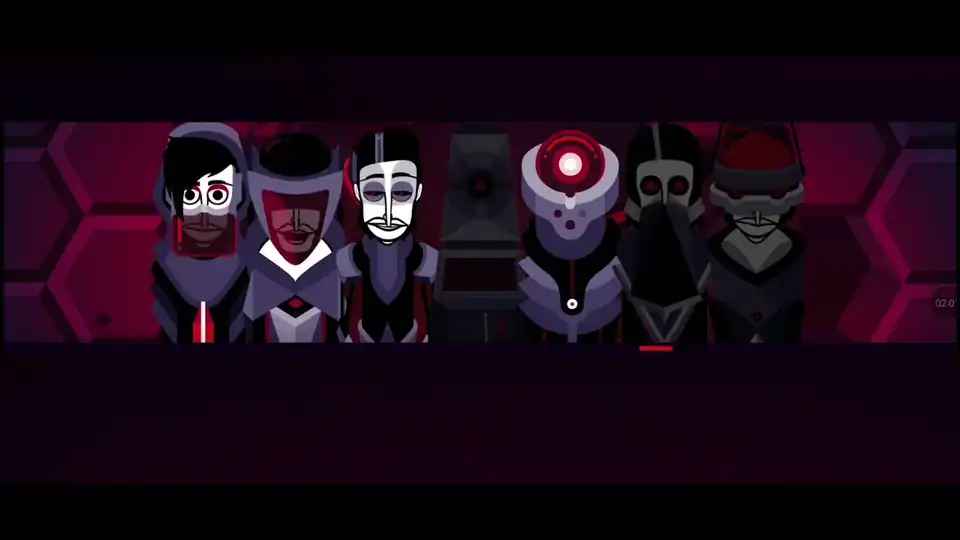
Sprunki OC V3 – Make Beats, Break Rules, Go Loud
Play Sprunki OC V3 instantly in your browser - No download required!
Share Sprunki OC V3 with Friends!
Discover More Sprunki OC V3

Explore Other Exciting Games
1v1.lol

Poppy Playtime Chapter 5
Friday Night Funkin by Ninjamuffin

Merge Fellas

Slope Cyber
Runki Pyramixed Version
2048

Kong Adventure
Krunker
Slickback
What Is Sprunki OC V3?
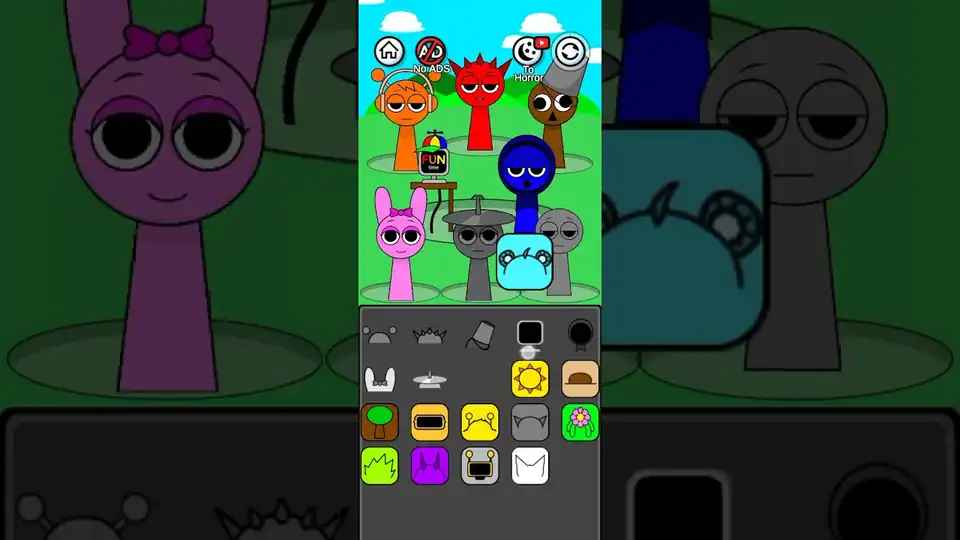
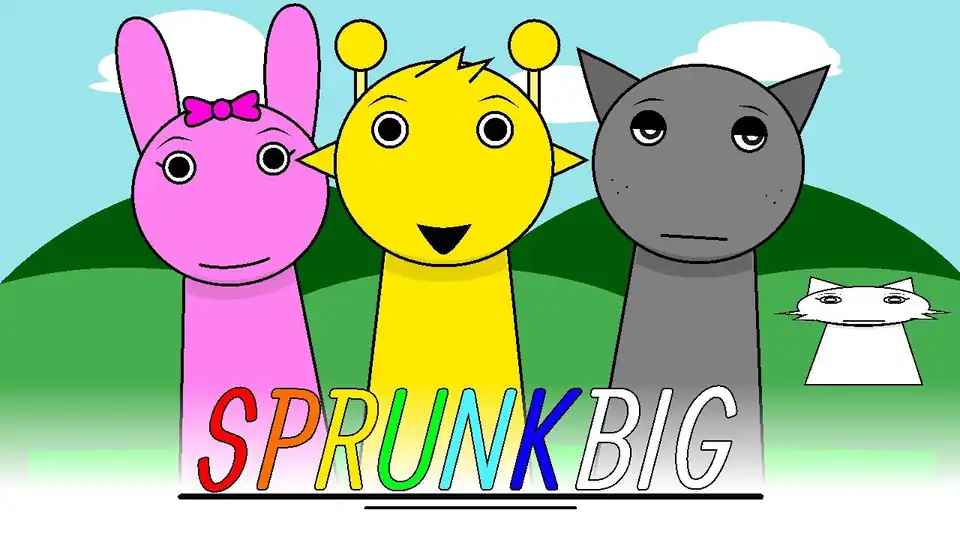
Sprunki OC V3 is a browser-based music maker that flips rhythm games into a sandbox. You drag, stack, and shuffle sound pieces to cook up tracks at whatever tempo your brain can handle. Think of it as a beat playground built by BIZorg for people who'd rather remix than read manuals.
How to Play Sprunki OC V3
Pick Your Sound Pieces
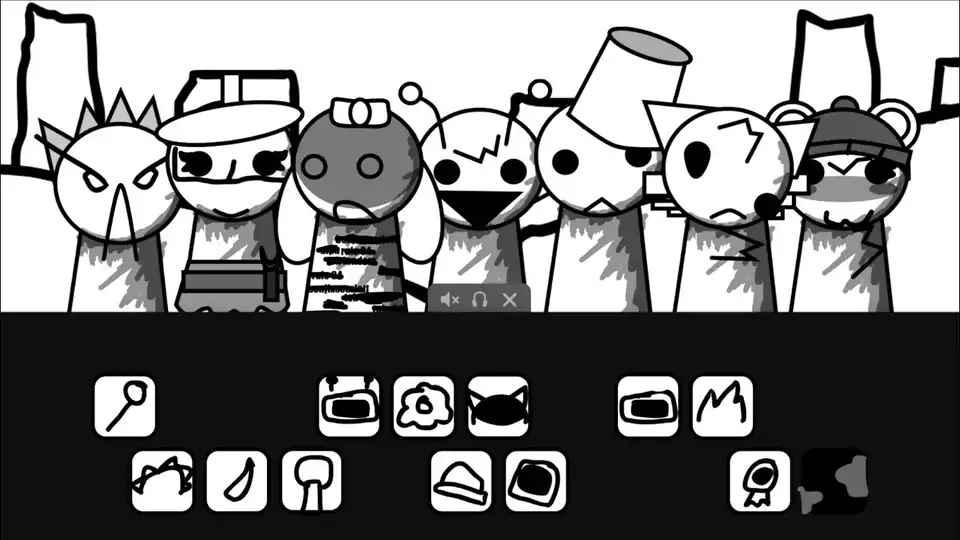
Start by grabbing character icons from the lineup. Each one drops a different beat, melody, or vocal chop into your mix.
Stack Layers on Stage
Drag your picks onto the main stage and watch them stack into a full arrangement. More layers mean thicker tracks.
Mute, Solo, and Swap
Tap any active icon to mute it, or solo one to hear what it's really doing. Swap pieces in and out without stopping the jam.
Push the Tempo
Speed things up or slow them down mid-track. The grid stays locked to rhythm no matter how wild you get.
Cook a Combo
Layer three or more matching icons and unlock bonus animations plus a chunkier sound. Bigger combos, bigger payoff.
Reset and Remix
One click clears the stage so you can start fresh or riff on a save. No save files, just vibes and muscle memory.
What's Cool About It
Instant Browser Beats
No installs, no logins, no waiting. Open the page and you're already dragging sounds around.
Tempo You Control
Crank the BPM, drag it back, or let the game auto-shift as you stack icons. The rhythm bends to you.
Combo Sound System
Matching icon groups trigger bonus audio layers and flashy stage effects. The more you align, the louder it hits.
OC Character Roster
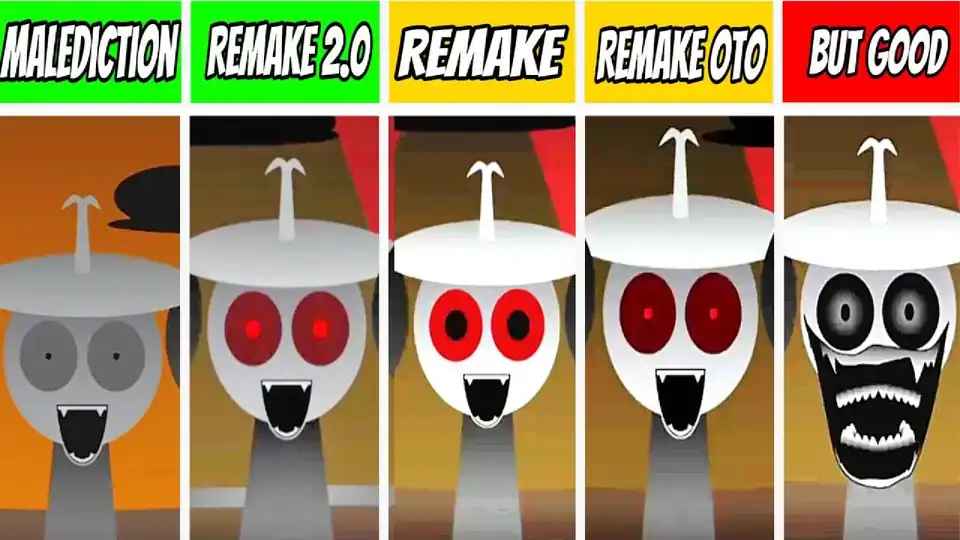
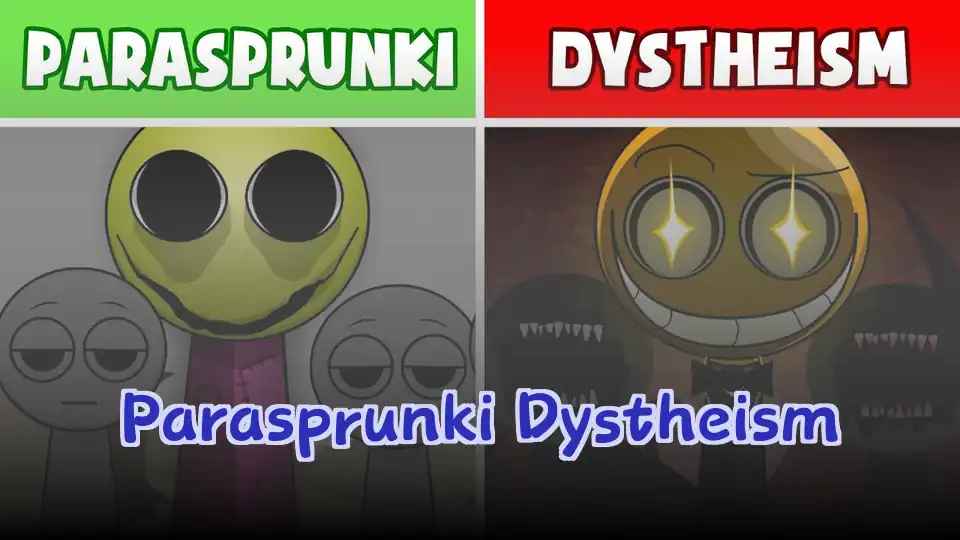
Original Sprunki OC designs bring fresh vocal chops and signature loops you won't find in older entries.
Mix-and-Mute on the Fly
Swap any layer mid-track without breaking tempo. Great for live-style remixing sessions.
Lightweight and Unblocked
Runs smooth on school laptops and basic Chromebooks. No firewall drama, no plugin installs.
Sprunki OC V3 Tricks & Hacks
Combo Stacking
Aim for groups of three matching icons early. The combo audio layer adds serious weight to your mix without extra effort.
💡Build your base with one full trio before adding anything else.
Mute Trick
Solo one layer to hear what it's contributing before stacking more. Helps you spot which icons carry melody versus rhythm.
💡Mute everything but your newest add to test if it actually helps.
Tempo Swaps
Mid-track tempo changes keep the arrangement feeling alive instead of looping flat. Drop the BPM for a breakdown, then slam it back up.
💡Slow it down during a sparse section and crank it back on the drop.
Layering Order
Place rhythm-heavy icons first so vocals and melodies sit on a stable foundation. Reversing this makes tracks feel mushy.
💡Start with bass or drums, then drop the catchy stuff on top.
Reset & Reuse
Don't treat reset as failure. Clearing the stage lets you swap characters faster than micromanaging each slot.
💡Wipe the board whenever you want to pivot the whole vibe.
Sprunki OC V3 FAQs
Is Sprunki OC V3 free to play?
Yep, it's totally free in your browser. No accounts, no subscriptions, no surprise paywalls.
Do I need to download anything?
Nope. It runs straight from the page so you can start remixing in seconds.
What makes V3 different from older Sprunki games?
V3 adds the OC character roster, a smoother combo system, and tempo controls that feel way more responsive.
Can I play on a school Chromebook?
Yeah, it's lightweight enough to run on basic hardware and usually slips past filters.
How do combos work?
Drop three or more icons from the same group onto the stage and the game stacks bonus sounds plus animations.
Is there a way to save my track?
There's no built-in save button, so screenshot your arrangement or just rebuild your best mixes from memory.
What's the OC in Sprunki OC V3?
OC stands for original characters. BIZorg cooked up a fresh lineup with unique sounds and visuals.
Can I play with friends?
Not directly inside the game, but you can screen-share or pass the keyboard and run remix battles in person.
Does it work on mobile?
It runs on mobile browsers, though a bigger screen makes layering icons way easier.
How fast can I get a full track going?
Most players have a half-decent loop running within two minutes of opening the page.
Are there hidden sounds?
Some icon combos unlock layered effects that don't show up in the regular lineup. Keep stacking to find them.
Will it kill my laptop battery?
It's pretty light on resources, so you'll get a solid session before needing a charger.
Can I use my own audio?
No custom uploads, the game sticks to its own sound library.
Is Sprunki OC V3 kid-friendly?
Yeah, the visuals are cartoon-style and there's no violent or sketchy content.
Why You Should Play Sprunki OC V3
Beat Making Without the Boring
Skip the tutorials and tutorials-about-tutorials. You're making actual loops within a minute of loading.
Speed Runs Your Tempo
Crank the BPM and watch the whole track snap into hyper mode. It's weirdly satisfying.
Loops That Reward Ears
The combo system pushes you to actually listen and stack smart, not just spam icons.
Zero Setup, Full Track
No downloads, no signups, no waiting on updates. Just open and cook.
OC Vibes Are Fresh
The new original characters bring sounds and visuals you won't find anywhere else in the Sprunki lineup.
Endless Remix Energy
Reset, reroll, rebuild. Every session can go a totally different direction.
Jump Straight In
Sprunki OC V3 runs entirely in your browser, so there's nothing to install and nothing to update. Click the page, drag an icon, and you're already cooking a track. Perfect for quick sessions on any device with a half-decent internet connection.